For group admins
You look after a department or a client team. As a group admin you run your own part of the organisation: its people, sub-teams, keys, agents and applications, and the rules on them, within the limits the organisation sets. No ticket to central IT for every change.
Your problem today
Every new starter, every key and every model request goes through a central queue. You can't see what your team spends on AI or which of its tools are calling what, until someone sends you a spreadsheet.
Life with Vidai
- Your teams, run by you. Add people, create sub-teams, issue keys for your people and their agents, and choose which models your teams may call, from the models the organisation allows.
- Your own numbers. The Admin and FinOps dashboards, the Compliance dashboard Enterprise, Request logs and Cost show your teams and the teams under them, and nothing else.
- Tighten, never loosen. Rules you set on your teams sit under the organisation's: you can make them stricter, never looser.
- A fair second check. Adding yourself to a team or lifting a budget for a while goes to Approvals for someone above you; budgets on yourself are set from above.
What Enterprise includes depends on the features your licence includes.
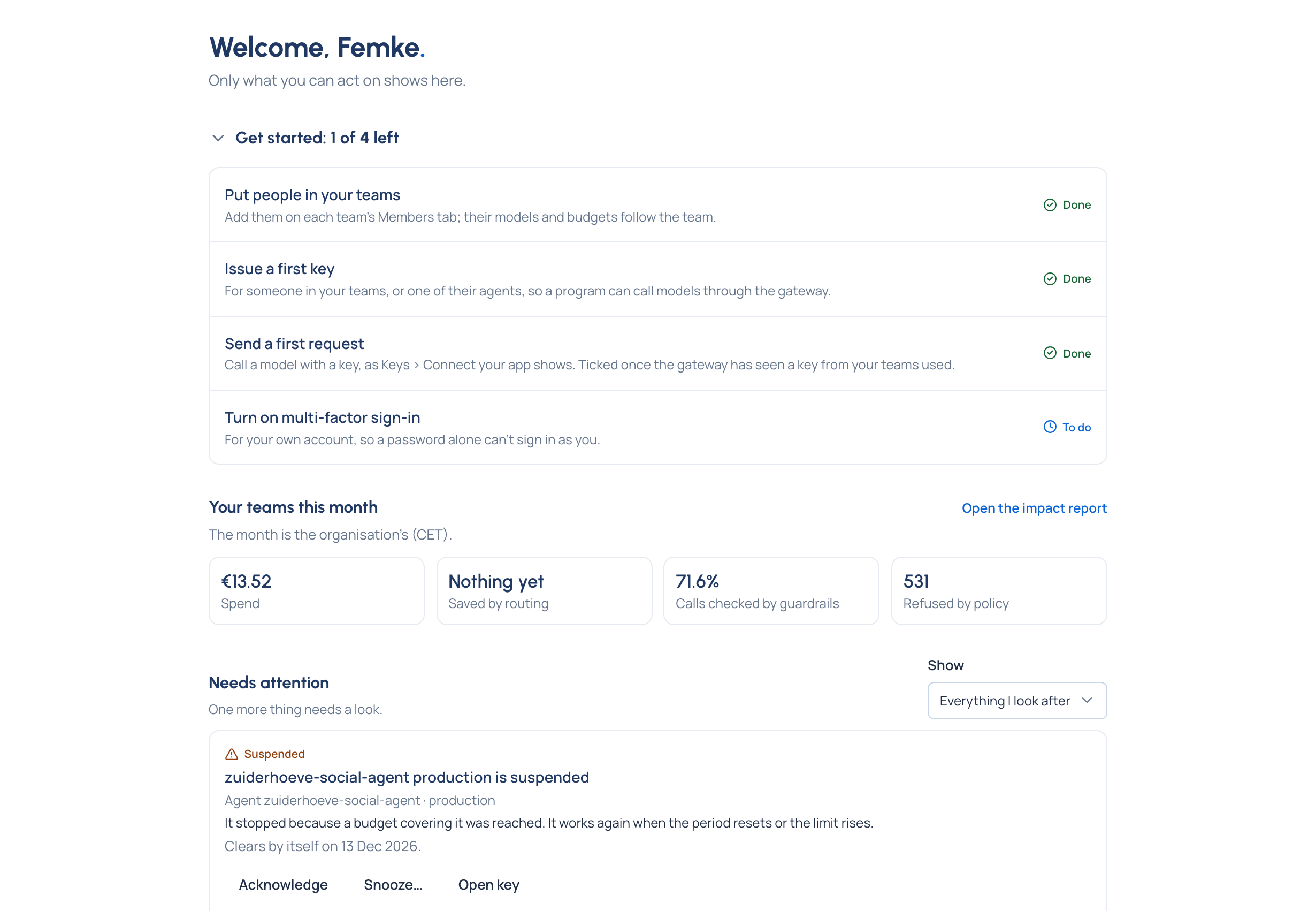
What you'll use
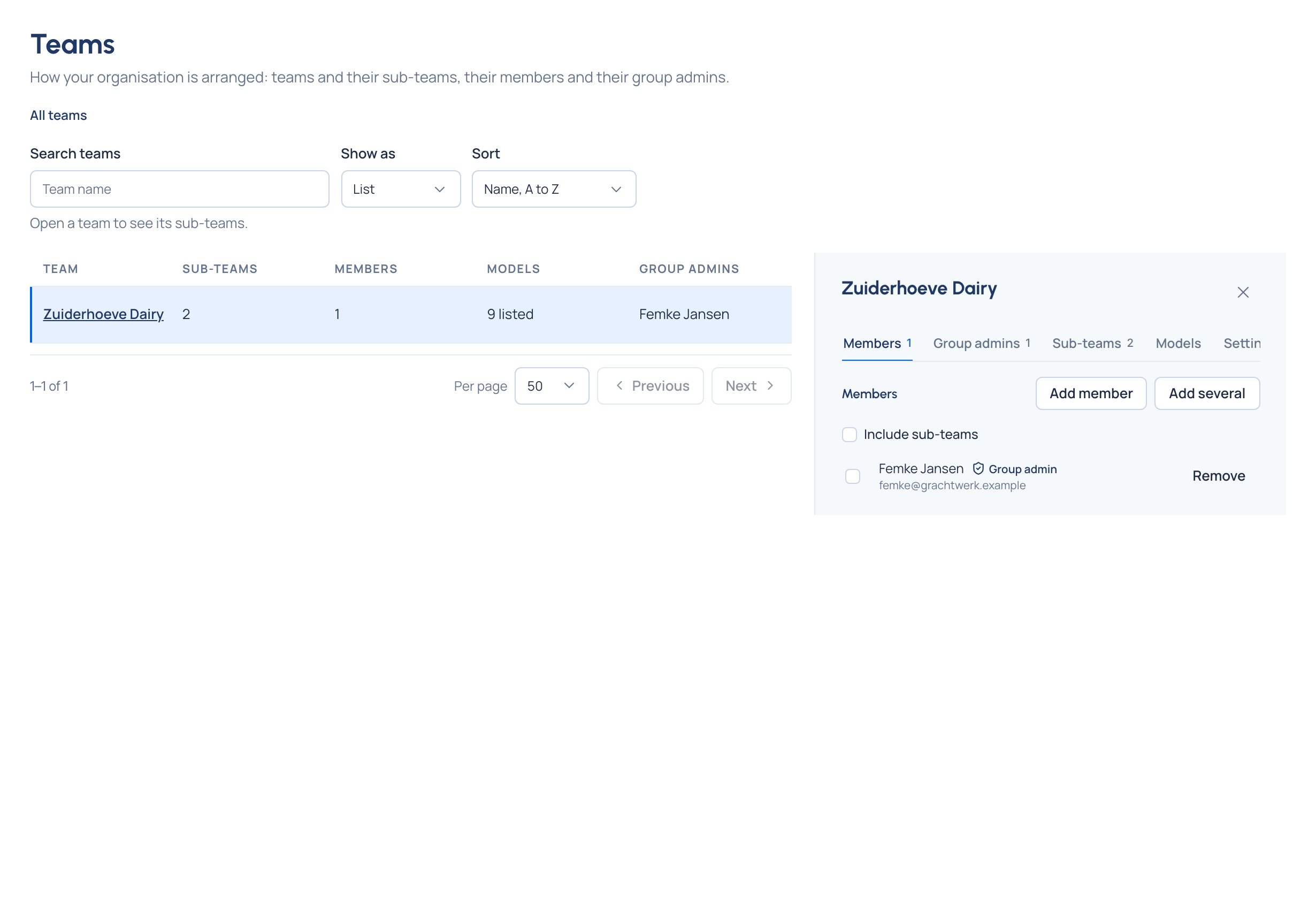
Teams opens at the top of your own teams, with members, group admins, sub-teams and the models each team may call.
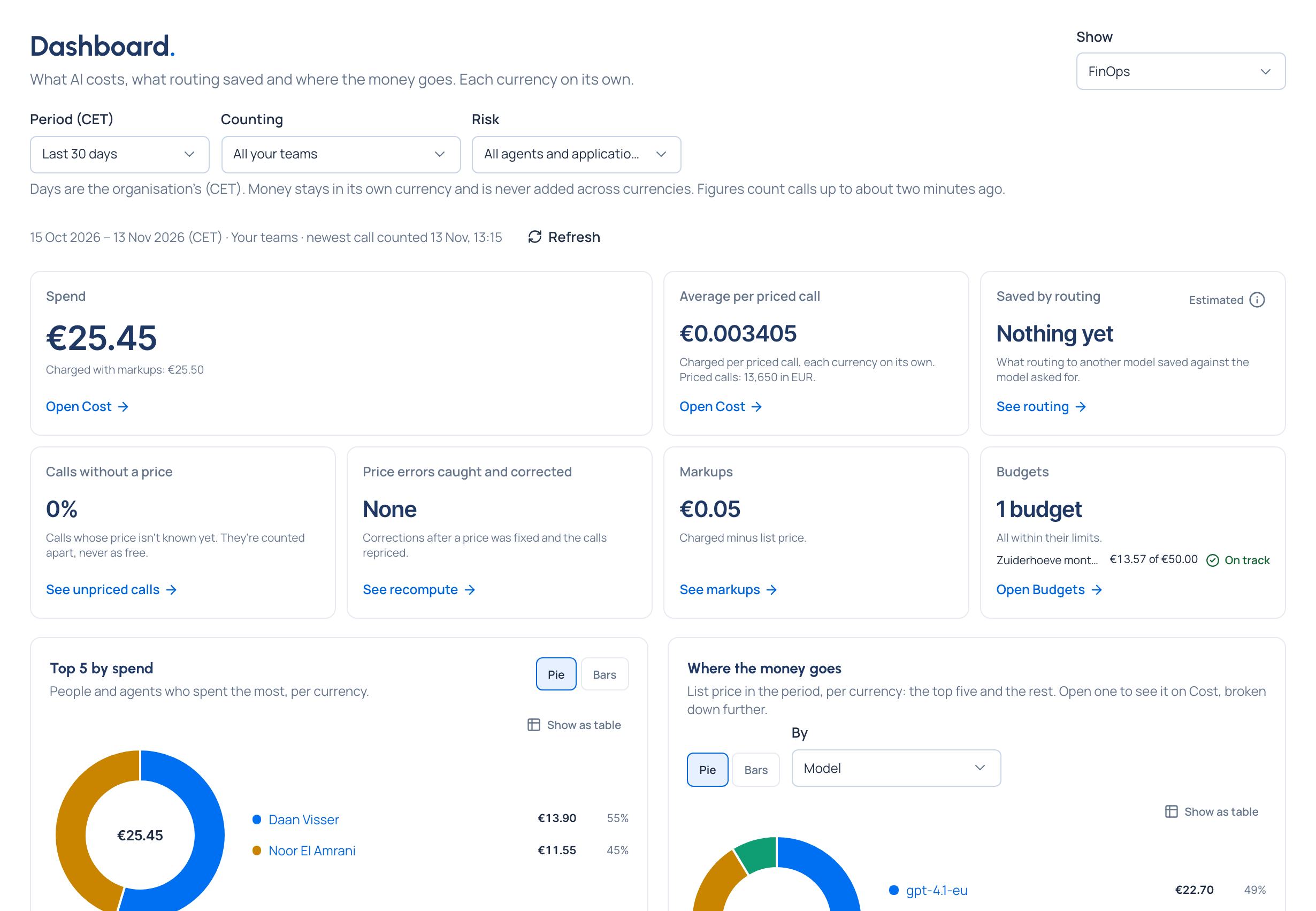
Dashboard, counted for All your teams: spend by team, the busiest models, failures and refusals.
The team Vidai stands in for
A ticket queue to central IT, for every person, key and model your department needs.
Your reading path
- How Vidai works.
- Organisation, teams and sub-teams and People and roles.
- Keys, Applications and agents and Model access.
- Rules at levels, Budgets and Exceptions, overrides and approvals.
- Dashboards and the impact report.
- People and access how-tos, and what a group admin can do: Roles at levels.