Find and remove keys not managed by Vidai
A key added straight on the gateway, outside the Control room, has no owner, no team to charge and none of your rules. Vidai looks for them every hour and lists them, so a forgotten test key or a shortcut taken in a hurry never runs ungoverned for long.
Before you start
You're an organisation admin. Home's Needs attention tells you when there are any.
Steps
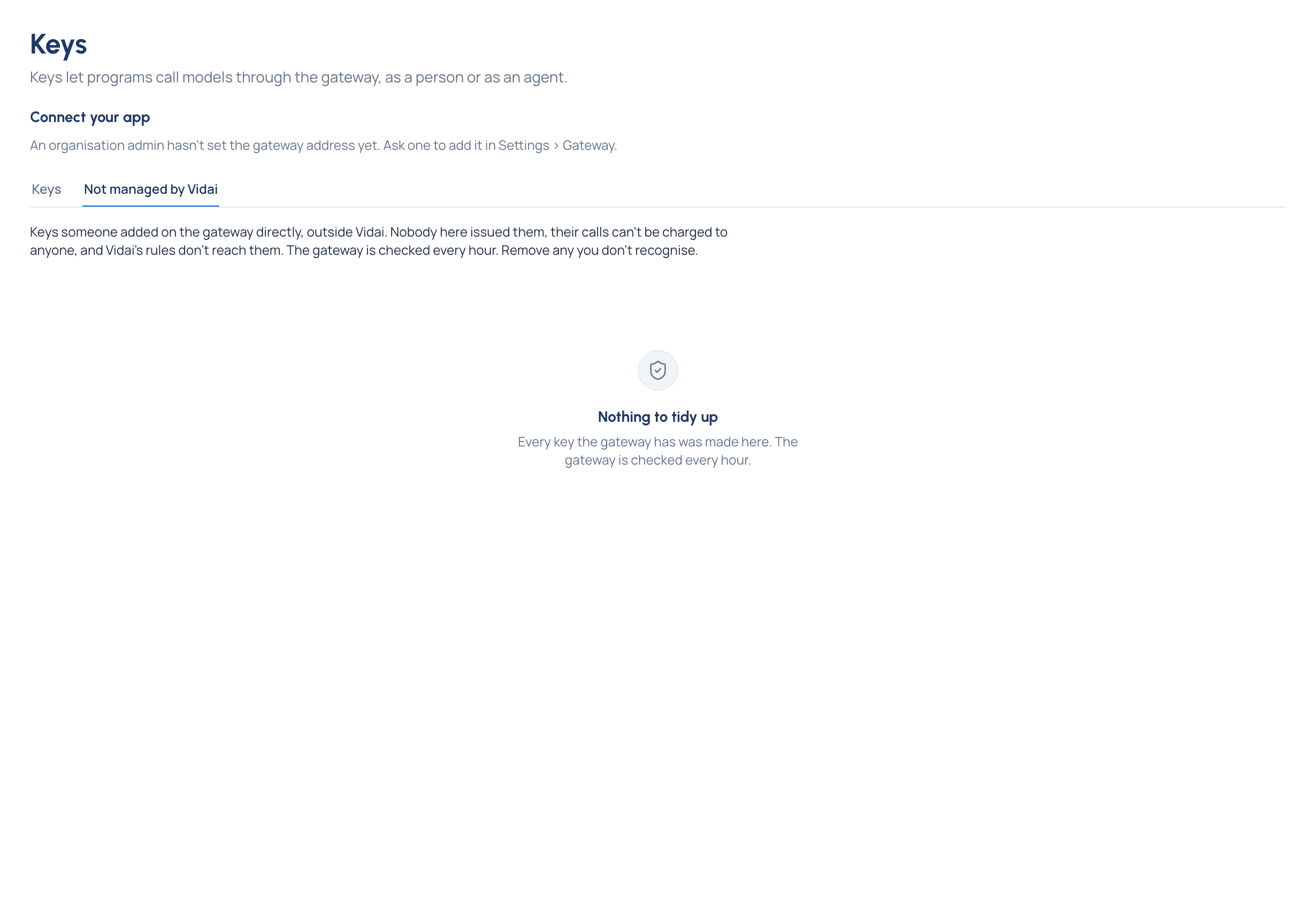
- Open Keys and choose the Not managed by Vidai tab.
- Each key shows how it starts, what the gateway says about it (a name, who it belongs to), whether it Can call any model, when it was last used and when Vidai first found it.
- For a key that shouldn't be there, choose Remove and confirm. Vidai revokes it on the gateway.
Check it worked
The key leaves the list, and the audit log records "Unmanaged gateway key removed". If whatever used it still needs to call models, issue it a Vidai key so its calls are owned, charged and governed.
Good to know
- Calls made with such a key can't be charged to anyone, and Vidai's rules don't reach them.
- Vidai checks the gateway every hour, so a new one can take up to an hour to appear.