Keep calls in a region Enterprise
Purpose: a client contract says "processing in the EU only"; a regulator says the same. A region rule keeps the calls from a level inside an area: only models whose provider runs within it are offered or used, and the gateway refuses any other, whatever a key's model list says. You can also require that the provider holds an agreement with you, such as a GDPR data processing agreement.
In the demo world, Zuiderhoeve Dairy and Kessler Autohaus are kept in the EU, Fjordair in Europe (EEA and Norway), Ridgeline Athletics in the US and Saptak Telecom in India.
Region rules come with the Enterprise edition; what Enterprise includes depends on the features your licence includes. On Community, keep a team to approved models with its model list instead.
Before you start
- You're an organisation admin, or a group admin for your own teams.
- Your providers are placed: a provider placed global or not placed at all meets no region, so it's never offered to an EU team (Say where a provider runs). Vidai warns when you choose an area and some providers aren't placed.
Steps: when you make a team, agent or environment
- In New team, New agent (first step) or New environment, find Keep calls in a region.
- Choose the area, for example European Union, and say why ("customer data must stay in the EU"). The reason is kept in the audit log.
- Create it. Its model pickers then offer only models within the area; the others are listed under Not available in European Union, each with the reason ("Runs in United States: not within European Union").
Steps: on something that already exists
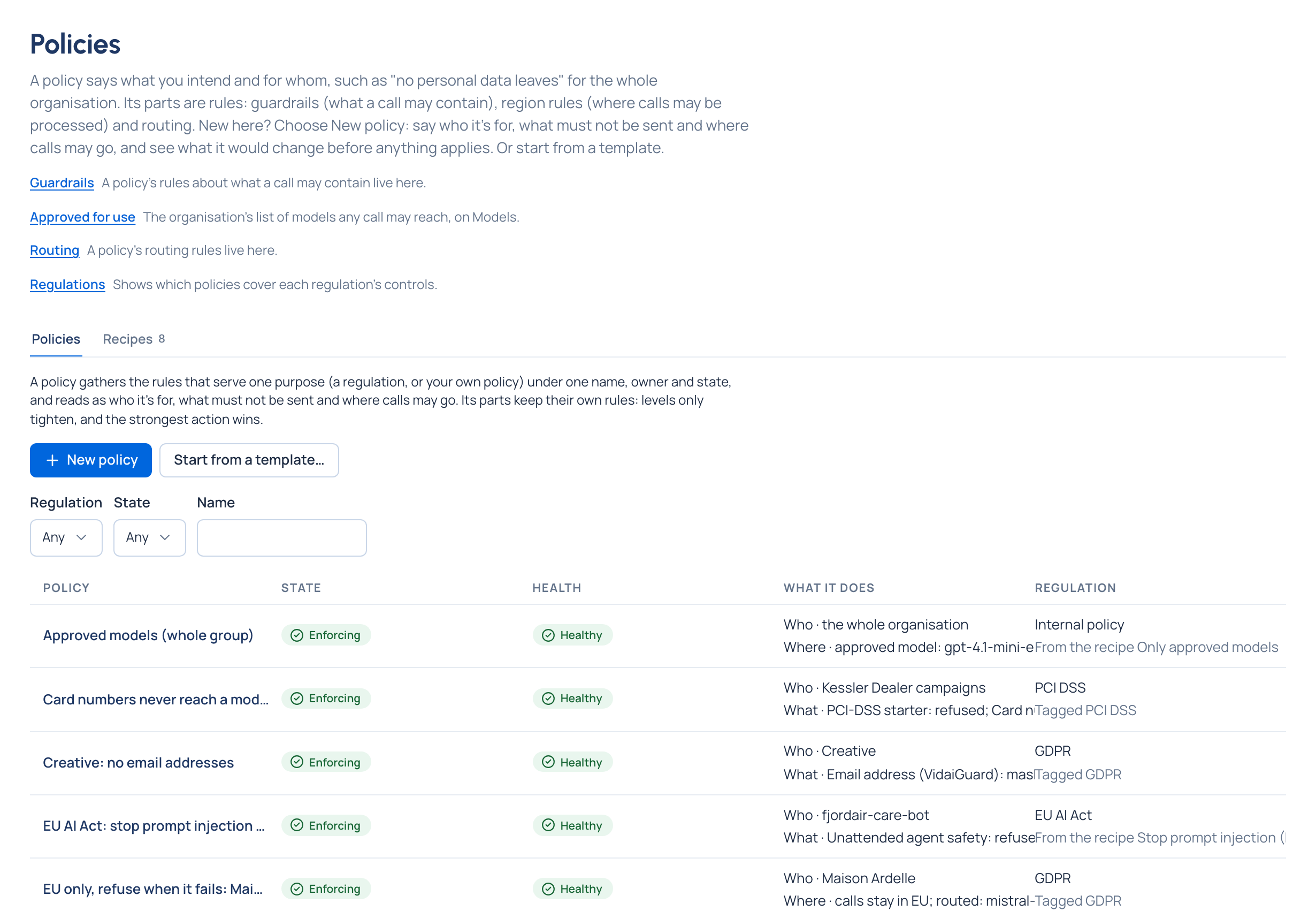
- Open the team's or agent's Models tab (an application's Overview; an environment's Edit dialog), or go to Policies › Policies › Keep calls in a region… › Set a region rule and choose the level there.
- Choose the area to Keep calls within and say why.
- Optionally, under Also require these agreements, tick the agreements a provider must hold today: Business associate agreement (HIPAA), PCI DSS attestation, Data processing agreement (GDPR).
- Check what it changes: the keys it reaches, and each one's models it loses.
- Save (or Apply).
Check it worked
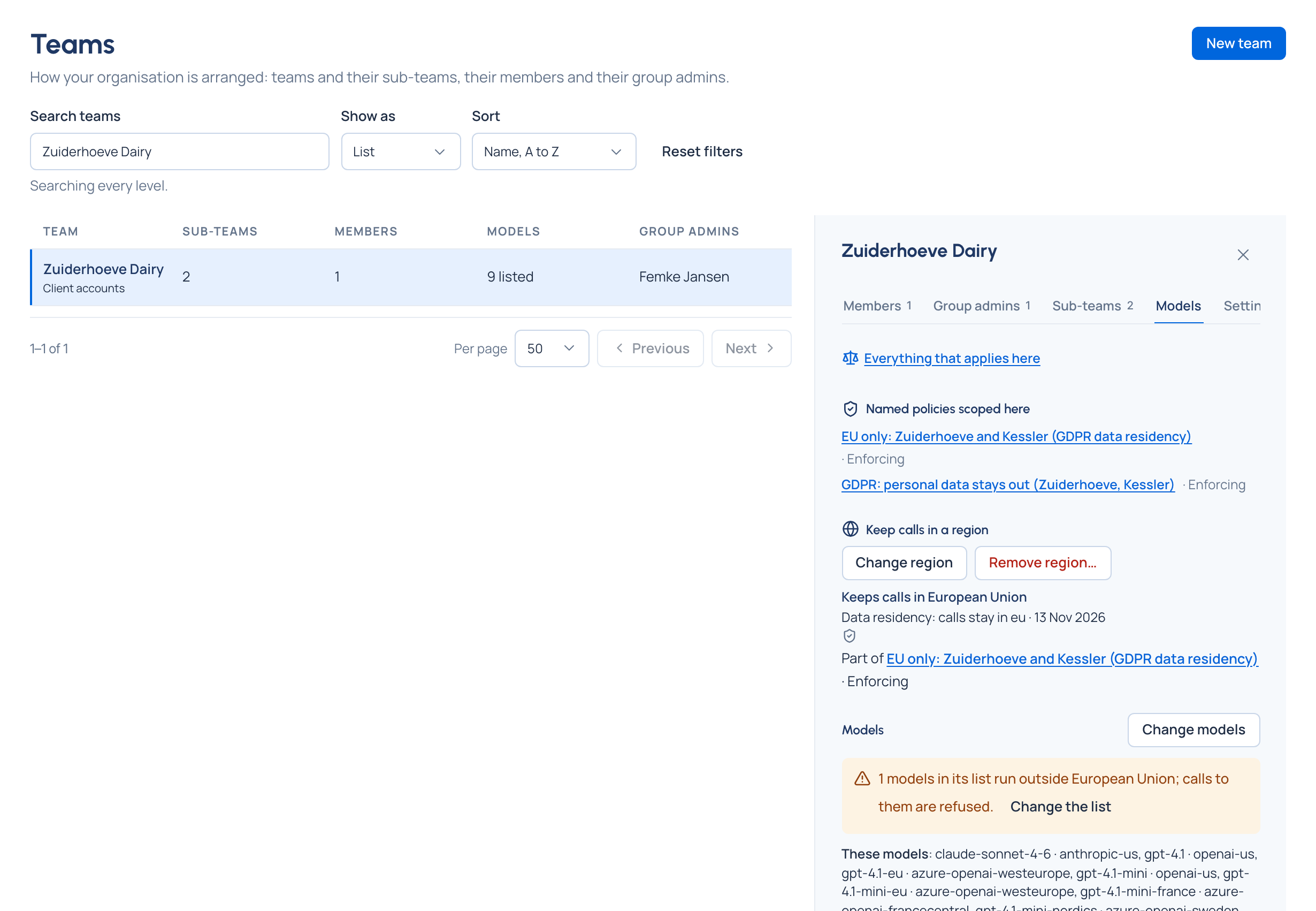
The team's Models tab says what keeps its calls in a region, and What keys here may call now lists only models within the area. If its own list holds models outside it, the tab says so ("3 models in its list run outside European Union; calls to them are refused") and lists them under Chosen, but left out here.
A call to a model outside the area is refused, and in Request logs its Why this happened says Region rule, names the rule and both areas: "Refused: processed in US, outside EU."
Change or remove it
On the same tab, Change region first lists the keys that would lose models, each by name; nothing changes until you choose Apply. Remove region… first shows which keys may then use more models.
Related
- Add a compliance route: send a model to its compliant twin instead of refusing it.
- Build a fallback chain: with EU-only fallbacks.
- See what applies here: every rule at a level, region rules included.
Good to know
- A lower level can only tighten the area above it.
- On an application, a region rule reaches every key acting for it (an agent's key issued for it), not the same agents' other keys.
- Routing can't send a call outside the area; a rule whose target is outside it can't be saved.
- Region rules have no watching mode: one that's part of a policy applies once the policy enforces.
- After a downgrade or a lapsed licence, existing region rules are kept and enforced; changing one needs Enterprise, and an organisation admin can still delete one after seeing what it frees.
- Region rules govern AI calls sent through the gateway, not your other systems.