Turn on multi-factor sign-in
A password can leak. With multi-factor sign-in on, signing in as you also needs a code from your phone, so a stolen password on its own gets nobody in. For an admin, whose account can change everything, it's the first thing Home asks.
Before you start
You need an authenticator app on your phone (any app that shows time-based six-digit codes).
Steps
- Open the menu under your name and choose Your account. Stay on Profile.
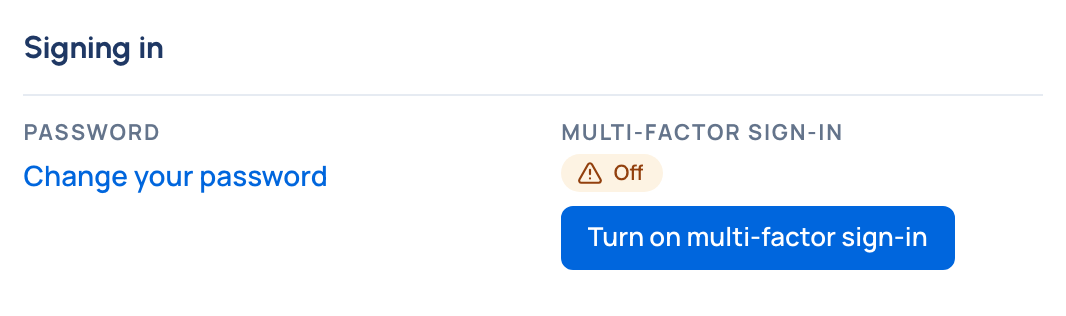
- Under Signing in, beside Multi-factor sign-in (it says Off), choose Turn on multi-factor sign-in.
- Scan the QR code with your authenticator app. On the phone itself, choose Open in your authenticator app, or type the key shown into the app.
- Type the six-digit code the app shows and choose Turn on.
- Keep the ten recovery codes: use Copy and store them somewhere safe, such as your password manager. Each signs you in once if you lose your phone, and they're shown only now.
Turning it on signs you out on your other devices.
Check it worked
Multi-factor sign-in reads On. The next time you sign in, after your password you're asked for the 6-digit code from your app. On Home, Turn on multi-factor sign-in is ticked in Get started.
Look after it
- Lost your phone? At sign-in, choose Use a recovery code instead and type one of your saved codes. Then set up your new phone.
- Running low on recovery codes? Choose New recovery codes and type a code from your app. The old ones stop working.
- Turn it off: choose Turn off and type a code from your app, or a recovery code. While your organisation requires multi-factor sign-in, you can't turn it off.
- Lost both your phone and your recovery codes? Ask an organisation admin to reset your multi-factor sign-in. You sign in with your password and set it up again.
Good to know
- Vidai supports authenticator apps (time-based codes). Passkeys and security keys aren't offered.
- If you sign in with single sign-on, your identity provider usually asks for its own second factor. Multi-factor sign-in here protects your Control room password, where you have one.
Related
- Require multi-factor sign-in and set password rules: make it compulsory for admins or everyone.
- Reset someone's password or multi-factor sign-in