What a user can do
Most people in your organisation never need an admin role. As a user they can get to work on their own: issue a key, see which models they may call and why, and follow what their calls cost. Less waiting on central IT, and nothing they shouldn't see.
For themselves
| They can | Where |
|---|---|
| Issue themselves a key, in the default environment or another they may use; replace, extend or revoke it | Keys |
| See Connect your app: the gateway's address and what to put in their SDK | Keys, and when a key is issued |
| See the models they may call, and why | Your account › Models |
| See every call they made: who answered, what each rule did, what it cost | Request logs |
| See what their own calls cost | Money › Cost, and Your usage this month on Home |
| See the budgets that cover their keys | Money › Budgets |
| Add an agent or an application in a team they're directly in, and own it | Applications & agents |
| Read the environments and how long keys may live in each | Environments |
| See the full list of models the gateway offers, with prices | Models & routing › Models |
| Turn on multi-factor sign-in, see and end their sessions, make personal access tokens | Your account |
| Choose appearance, colour vision, contrast, language, time zone, date format and the language of their emails | Your account › Preferences |
| See their teams and roles, and what they did and what was done to their account | Your account › Teams & roles, Activity |
| See their edition and what it includes | Your edition, from Search or jump to… |
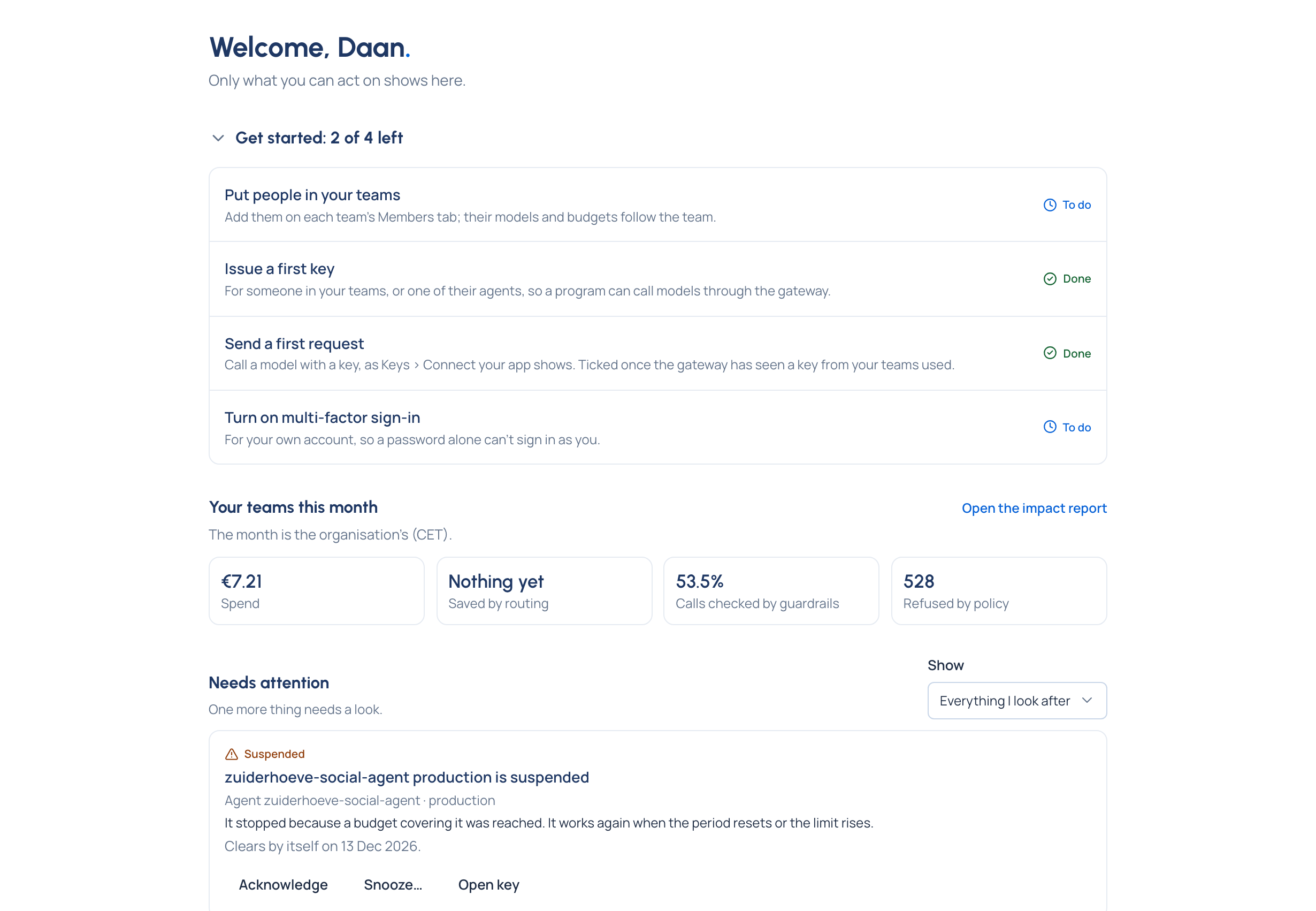
On Home, a user sees Get started with three steps: Issue yourself a key, Send a first request with it, and Turn on multi-factor sign-in.
As an owner
Whoever makes an agent or an application owns it. An owner looks after it and its keys, and sees its calls and what they cost. Who else owns it, its team and its state are changed by its team's admins.
What a user doesn't see
Other people's keys and calls, organisation-wide cost, and the pages for running the organisation (People, Teams, Policies, Proof, Settings) aren't in a user's menu. Prompts and replies, even their own team's, are only for a Content reader.