Read the Compliance dashboard Enterprise
Purpose: between audits, see whether protection is in place and working, team by team, on one page, and go straight to the calls behind any number.
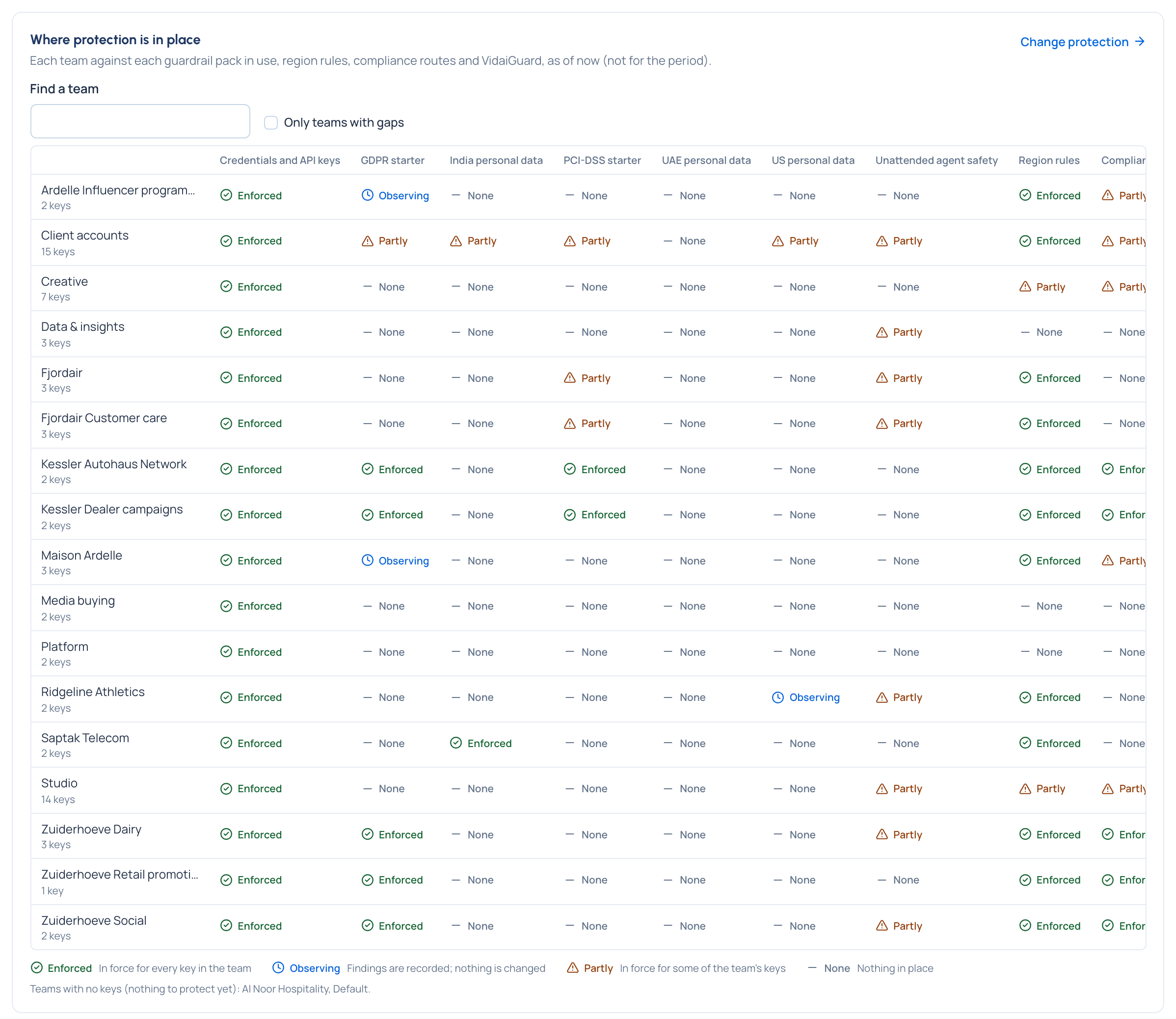
The steps live with the other dashboards: Read the Compliance dashboard. It covers the four protection states, protection by caller, where protection is in place, where findings come from, and the links to the calls behind each figure.
What Enterprise includes depends on the features your licence includes. On Community the Compliance view isn't offered: use Request logs' guardrail filters (Investigate a call) and Policies › Guardrails › Findings (Review findings).