Check that the audit log wasn't altered
Purpose: show that your governance record is complete and unchanged. Each audit record is chained to the one before, so a change or a gap shows. The check works the same way in every edition.
Before you start
- You're allowed to run the check: the button shows only to those who are.
Steps
- Open Proof › Audit.
- Choose Check the record. Vidai walks the whole chain.
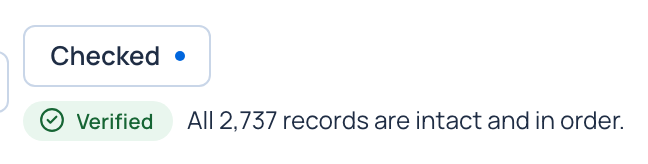
- Read the result.
| Result | What it means |
|---|---|
| Verified | Every record is intact and in order |
| Altered | The listed records (by evidence record number) no longer match their digest. Treat this as an incident |
| Records missing | The listed numbers are missing from the sequence |
| Nothing to check yet | No records have been written |
Check it worked
The result names what it checked. Each event's own record also shows its Evidence record number and record digest: its place in the chain.
Good to know
- On Enterprise with tamper evidence on, Vidai also seals the audit log and checks it with the gateway's records every day: see Verify the evidence Enterprise. What Enterprise includes depends on the features your licence includes.
- Every auditor report carries the chain's head; keep a copy elsewhere and compare.