Add a model by hand
Purpose: offer a model the provider can't list for you, such as an Azure OpenAI deployment, under the name your apps will call. The model and its price are set in one dialog, so it's never live without a decision about cost.
Before you start
- You're an organisation admin.
- The provider is added (Add a provider).
- For Azure, you know the deployment's name: it becomes the Model id at the provider.
Steps
- Open Models & routing › Models and choose Add model.
- Step 1, the model. Pick the Provider, then type the Model. You're offered, in this order:
- models the provider listed earlier that are switched off (choosing one switches it on; nothing new is made),
- entries from the rate card the provider takes prices from, with their kind and usual rates,
- or what you typed, as a new name.
- If the provider calls the model something else, enter its Model id at the provider: callers ask for
gpt-4.1, and Azure serves your deploymentgrachtwerk-gpt41-prod, for example. - Leave Switched on set so keys can call it at once, or switch it off to add it first. Choose Next: its price.
- Step 2, its price. Choose one:
- Use this rate card entry (already chosen if you picked the model from the rate card);
- Enter a manual price: rates per tier, in the rate card's units and currencies;
- Free to run: for models you really don't pay for, such as one on your own machines;
- Decide later: Vidai matches it with the rate card by itself.
- Choose Add model.
Check it worked
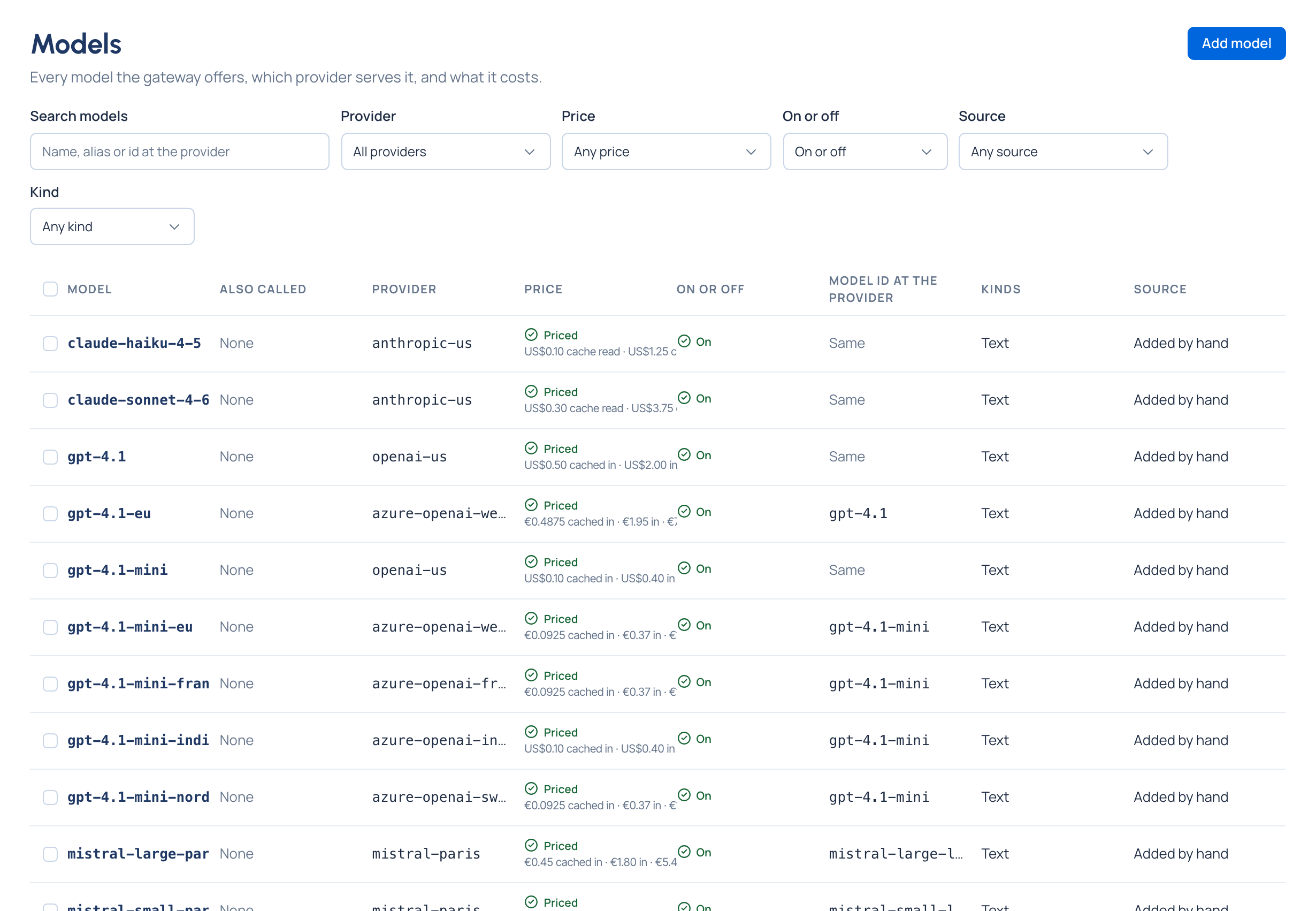
One message says the model was added and its price set (or why the price couldn't be set, with Open it). The model is on Models, with its provider, its state and its price.
If something goes wrong
- A model with this name already exists: you're taken back to step 1; choose another name. Each name is used once across every provider.
- This provider already serves that model under another name: give that model an alias instead.
- Rates are numbers like 2.50: enter rates without a currency sign.
Related
Good to know
- The name apps call never changes once added. To give a model another name, add an alias.
- If the provider takes prices from nowhere, only Free to run and Decide later are offered, with a link to the provider.
- A model added by hand can be deleted; one found on the provider can only be switched off while the provider lists it.