Copy, change or import a regulation pack
Purpose: your organisation's reading of a regulation may be stricter than the built-in one: a year of call records where the regulation asks for six months, say. A copy keeps your stricter version, with a reason for each difference an auditor can read, and stays yours when a release updates the original.
Before you start
- You're an organisation admin or a Compliance officer Enterprise. On Community, an organisation admin does this.
- Everyone else can read the library and every active pack.
Steps
Copy a built-in pack and change it
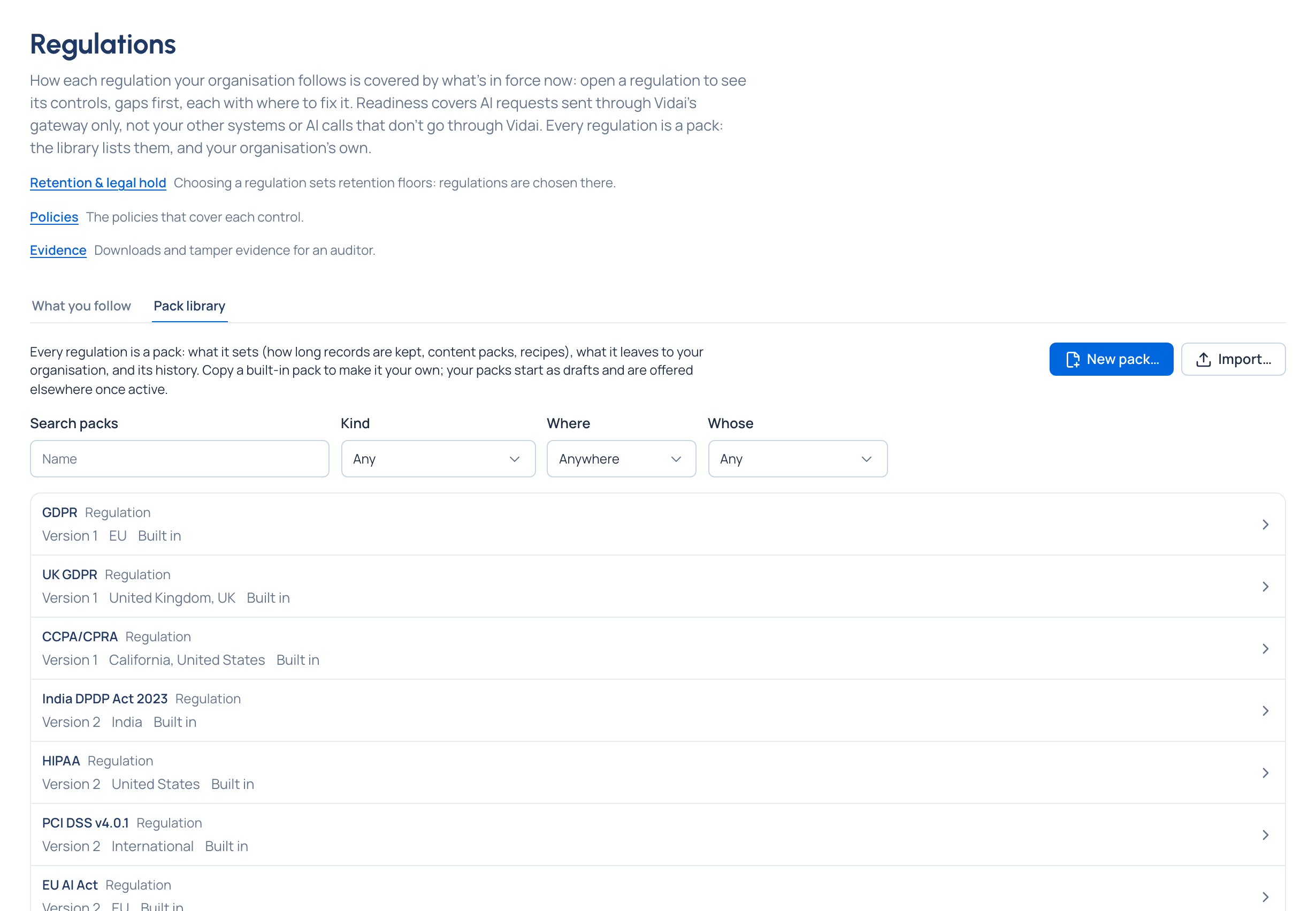
- Open Policies › Regulations and the Pack library tab. Filter by Kind, Where or Whose, or search.
- Open the pack (for example GDPR) and choose Copy…. Name the copy. It's made as a Draft with everything the original sets, and its page says Copy of GDPR, version 2.
- Choose Edit… and make your changes. A copy may only keep records longer than its original. Each difference (a period made longer, a content pack or recipe left out or added) asks for a reason.
- Choose Make active…: a preview of what it sets and where it will be offered, and a reason. Only active packs are offered on Retention, in policies and in recipes.
Import a pack from another installation
- On the other installation, open the pack and choose Export. The file (
<name>.json) carries a checksum and, when that organisation has an evidence key, its signature. - Here, in the Pack library, choose Import… and pick the file (JSON, up to 256 KB).
- It's checked before anything is saved and lands as a Draft. Its page says whether the signature was verified, absent (unsigned) or from another organisation's key. Review it, then Make active….
Check it worked
- Your pack is listed with Your copy, Your own or Imported, and Active.
- Its page lists each difference from the original with its reason.
- Follow … on Regulations, and the regulation choice on Retention, offer it.
Good to know
- An import is refused, field by field, and nothing is saved, if the file was changed after export, names content packs or recipes that aren't on this installation, or is weaker than the original it names.
- When a release brings a new version of the original, your copy never changes. Its page lists what changed, Home says "A regulation pack you copied has changed", and Mark as reviewed clears it once you've taken what you want.
- A pack that retention, a policy or a recipe names can't be deleted or returned to draft.