Settings and the system
Some things are set once for the whole organisation and then just work: the name everyone sees, the clock every budget counts in, how keys behave by default, how Vidai emails people, where your apps find the gateway, and which systems hear about what happens. They all live in System › Settings, and every change is recorded in the audit log with who made it.
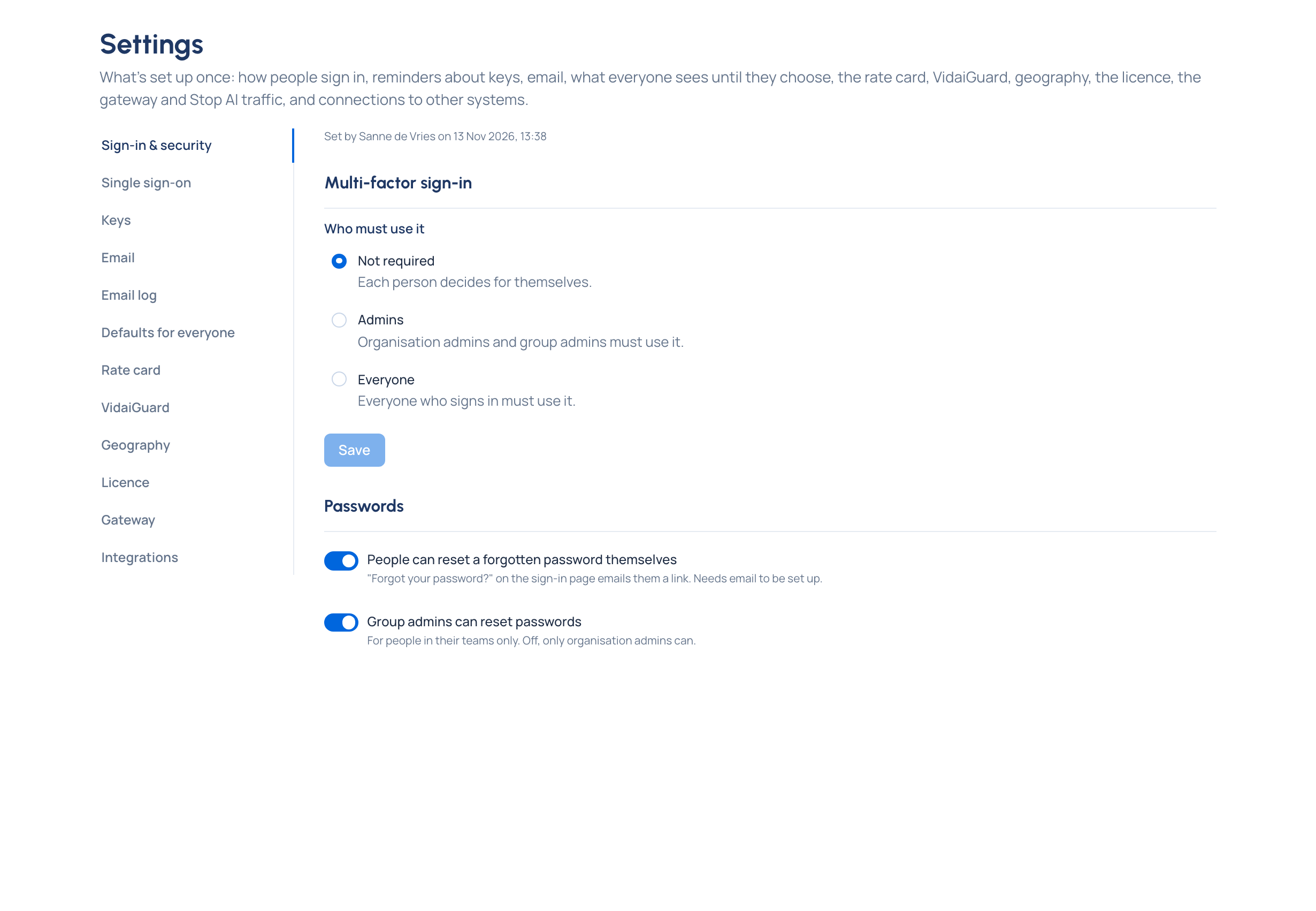
Organisation admins change every section. Organisation viewers and Compliance officers Enterprise read Single sign-on, VidaiGuard (or Guardrails), Geography, Licence and Gateway. Nobody else has Settings in their menu.
Finding your way
- Find your way round the Control room: search, Help and the account menu
- Save views, remember filters and export lists
Your organisation
- Name your organisation and set its time zone
- Set defaults for everyone: appearance and language until people choose, and how long notices stay
- Work with Home and Needs attention
Keys
- Set key defaults: expiry reminders, default rate limits, old secrets after a replacement, and suspending keys nobody uses
Email
The gateway
- Set the gateway address your apps use
- Stop all AI traffic, and resume it
- Check that Vidai is working
Integrations Enterprise
Licence
Elsewhere in these docs
| Settings section | How-to |
|---|---|
| Sign-in & security, Single sign-on | Access and sign-in |
| Rate card | Money |
| VidaiGuard or Guardrails | Guardrails |
| Geography | Models and routing |
Every setting at a glance, with its default: Settings reference.