Budgets
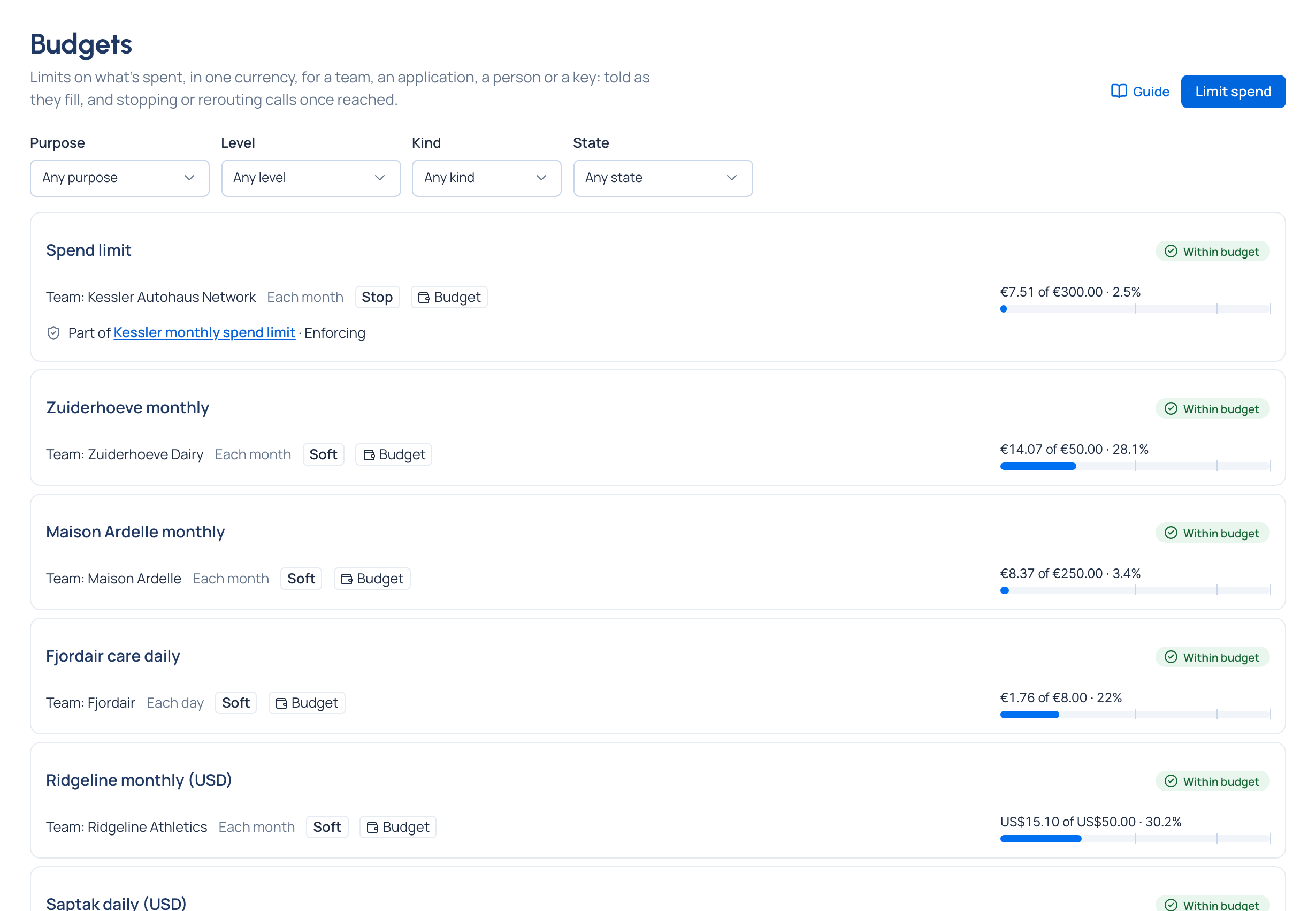
A runaway agent can spend a month's money over a weekend, and the invoice is where most organisations find out. A budget in Vidai is a limit on what calls cost, counted as they're made, that tells the right people as it fills and can stop calls or send them to a cheaper model once it's reached. You decide what happens at the limit, and check it against last week before you save it.
What it is
A budget is an amount in one currency for a period (each day, each month or for all time), set at a level, counting every call below it:
| Level | Counts the calls of |
|---|---|
| Organisation | every key |
| Environment | every key issued in it, in addition to each team's budget |
| Team | the team and its sub-teams |
| Application | the keys acting for it |
| Person or agent | their keys |
| Key | one key |
Every budget counts. A call under a team budget and a key budget counts in both, and whichever is reached first acts.
What happens at the limit
| Kind | At the limit |
|---|---|
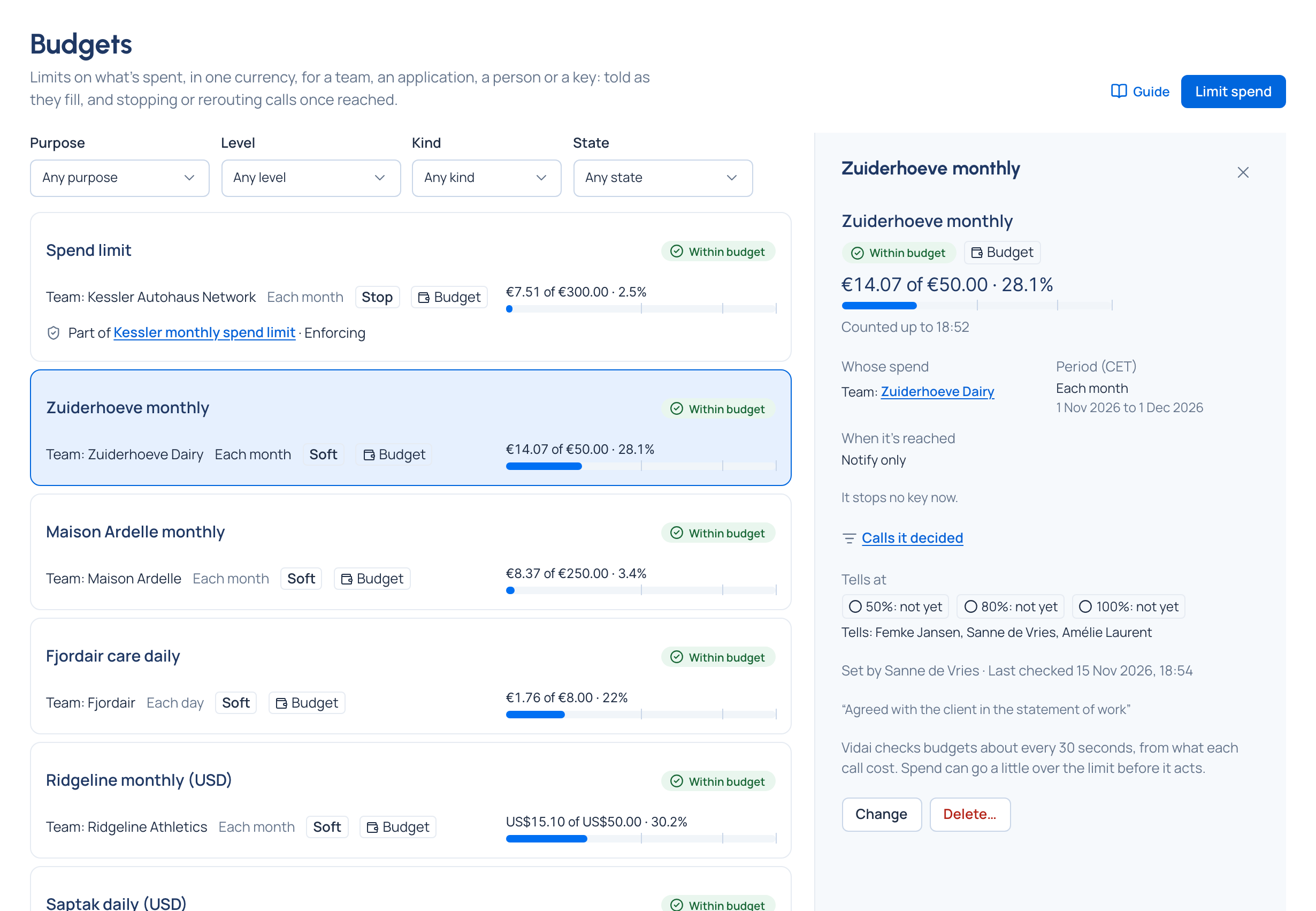
| Notify only | Calls are still served. The people it tells are told at each threshold (50%, 80% and 100% unless you choose others), once each per period |
| Stop calls at the limit | Every call it covers is refused until the period resets, the limit rises above the spend, or the budget is deleted. The caller is told its key has been disabled, and the key shows A budget covering it was reached |
| Send calls to another model at the limit | Calls go to a cheaper model you choose. Keys that can't use it are stopped, never left to spend |
flowchart LR
  Calls[Calls priced<br/>within minutes] --> Count[Budget counts spend<br/>about every 30 seconds]
  Count -->|threshold| Tell[Tell admins, Finance,<br/>owners above it]
  Count -->|limit reached| Act{Kind}
  Act -->|Notify only| Serve[Calls still served]
  Act -->|Stop| Refuse[Calls refused]
  Act -->|Route| Cheaper[Calls sent to a<br/>cheaper model]
Two details keep budgets honest:
- Never converted. Calls priced in another currency don't count toward a budget; its page shows that spend apart.
- It acts a little late. Calls are priced about two minutes after they're made and budgets are checked about every 30 seconds, so spend can pass the limit before calls stop. Act at below 100% leaves room for that. Models with no price can't be counted, so under a stop or route budget the keys it covers can't call them.
Check it before you save
Check what it changes lists the keys it covers and the spend so far, then replays the last seven days at this setting: "Last 7 days at this setting: it would have stopped calls on 3 days, first on 5 Nov". It also warns when a budget above already covers every key with a lower limit, so this one can never be reached first.
Who sets them
Budgets are set from above. Organisation admins and Finance may set one anywhere, themselves included; a group admin on their teams and the people, agents and keys in them, but never on themselves or their own keys. Everyone sees the budgets that cover their own keys, read-only. You don't pick who is told: Vidai tells the organisation's admins and Finance, whoever set it up, the admins of the teams above it, and its agent's or application's owners.
Lifting one for a while
When a reached budget is blocking work that must go on, an organisation admin can lift it for up to 24 hours. A group admin can ask to lift one on their teams; the request waits on Approvals for an organisation admin or Finance. The lift ends by itself and is recorded. See Exceptions, overrides and approvals.
Related
- Cost: what a budget counts
- Rules at levels: how a budget reaches the keys below it
- Routing and fallback: the other way to send calls to a cheaper model
- Needs attention and notices: where a reached budget shows up
- Request logs: Calls it decided on a budget's page