Change your password
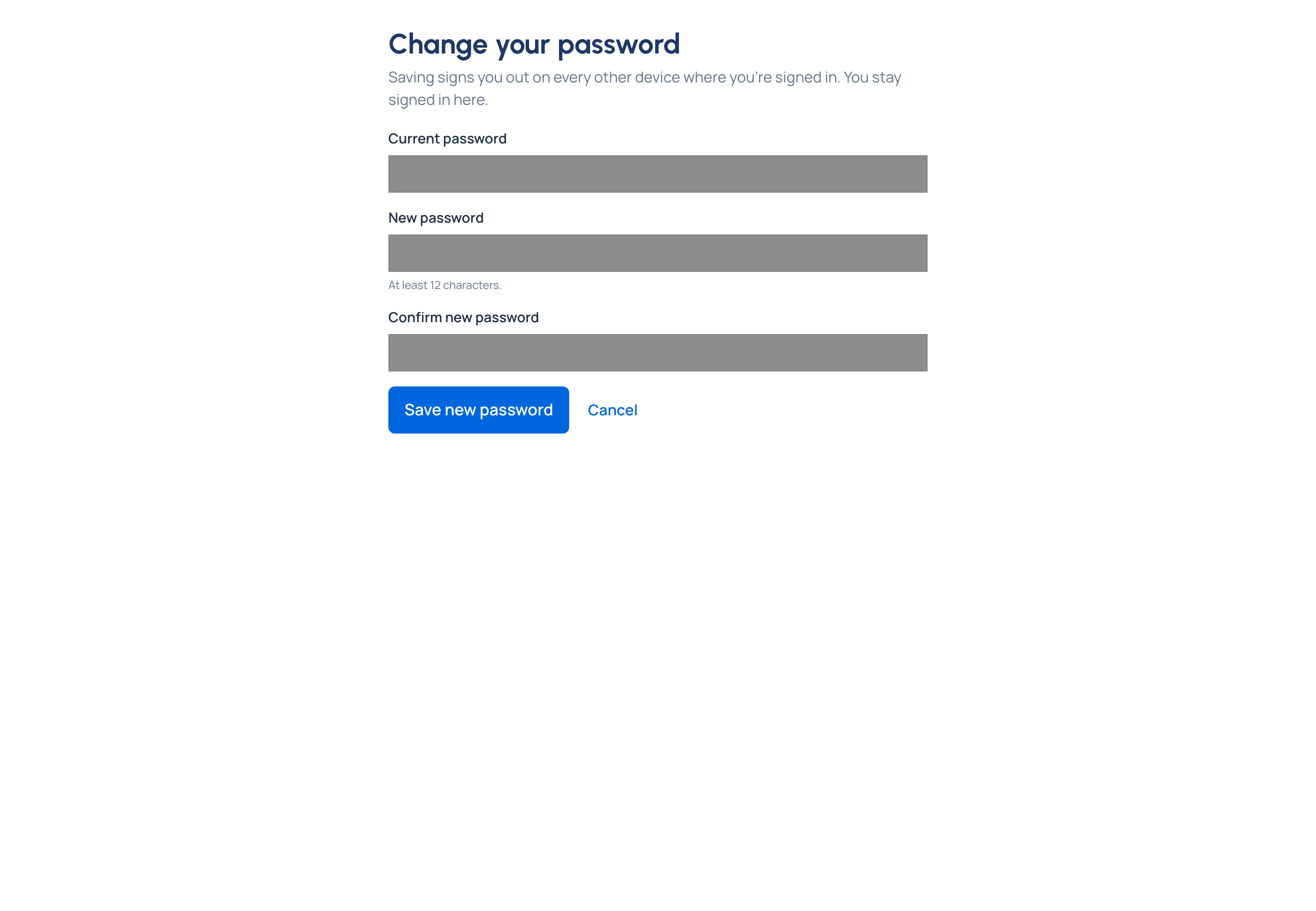
A password someone else has seen, or one you suspect has leaked, should change at once. Change it from your account in under a minute; every other device signed in as you is signed out when you save, so an old password stops being useful straight away. Vidai never asks you to change it on a schedule.
Before you start
You sign in with a password. If you sign in only with single sign-on, Your account says "You sign in with single sign-on; change your password with your company."
Steps
- Open the menu under your name and choose Your account. Stay on Profile.
- Under Signing in, beside Password, choose Change your password.
- Type your Current password, then a New password (at least 12 characters), and the same again in Confirm new password.
- Choose Save new password. Changed your mind? Choose Cancel.
When you're asked at sign-in
If an organisation admin added you with a temporary password, or reset yours to one, signing in takes you to Choose a new password first. It names the admin who gave it to you. No other page opens until you've chosen your own.
- Type the Temporary password you were given.
- Type a New password, and the same again in Confirm new password.
- Choose Save and continue. You land on Home.
Not the right time? Choose Sign out and come back later. The temporary password keeps working until you change it or an admin resets it.
Check it worked
Your account says "Your password was changed. Other devices where you were signed in have been signed out." You stay signed in here; on any other device, sign in again with the new password.
If something goes wrong
- "That isn't your current password." The current (or temporary) password doesn't match. For a temporary one, check it with the admin who gave it to you.
- "Use at least 12 characters."
- "This password is too common or has appeared in a data breach. Choose another."
- "Don't build the password from your email address."
- "Choose a password different from the current one."
- "The two passwords don't match." Type the same password in both fields.
- Forgotten your current password? Sign out and use Reset a forgotten password.
Related
- Reset a forgotten password
- Turn on multi-factor sign-in: a password alone shouldn't be enough to sign in as you.
- See and end your sessions
- Reset someone's password or multi-factor sign-in: the admin's side.