Export the audit log
Purpose: hand an auditor the events they asked for ("every change to guardrails in Q3"), or keep a copy in your own records, as a file that holds exactly what the list shows. In every edition.
Before you start
- You're an organisation admin or a Compliance officer Enterprise (what Enterprise includes depends on the features your licence includes). Organisation viewers and group admins read the log without the button.
- Choose a period: Any time can't be exported in one file.
Steps
- Open Proof › Audit and set the filters: When (or Choose dates with a From), and any Action, Search, Person, Done by, About a, About or Request reference.
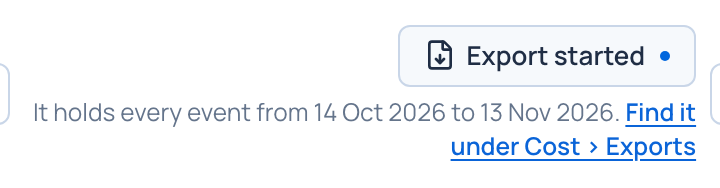
- Choose Export these events. The note under the button says what the file will hold, for example "It holds every event from 1 July to 30 September."
- Vidai prepares the CSV in the background: Export started. Find it under Money › Cost › Exports.
- Download it there.
Check it worked
- The file is listed under Exports, kept for 7 days.
- Asking for it and every download are recorded in the audit log itself.
Good to know
- The file holds whole days: every day the list's When touches (all of today for the last hour, every day of the last 7 days).
- With an Action chosen, it holds only that action's events; every other filter and the search go with it too.
- For a signed, verifiable file with the audit events, the calls and the seals, ask for an auditor report Enterprise.