Show a key again
Lost the secret you copied? Show it once more instead of replacing it, so nothing using it has to change. Each reveal is recorded in the audit log, and reveals are limited, so a secret can't be harvested quietly.
Before you start
You hold the key, or own the agent it belongs to (or are otherwise allowed to show it).
Steps
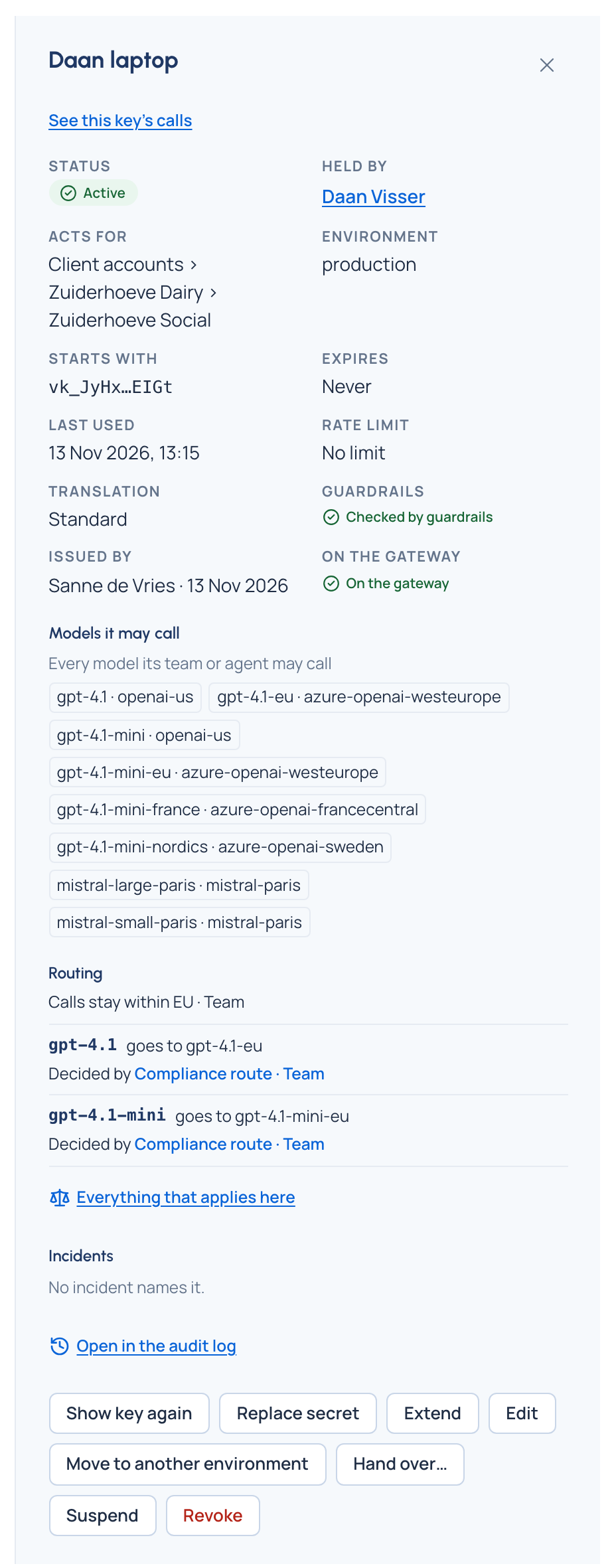
- Open Keys and choose the key.
- Choose Show key again.
- Copy the secret. It stays on screen until you choose Done.
Check it worked
You have the secret; the key is unchanged. The audit log records who showed it and when.
Good to know
- It can be done only a few times every few minutes.
- If the secret may have leaked, don't show it again: rotate the key with No time: it stops now.
- After a handover with a new secret, the new holder shows it from their own key page this way.