Set defaults for everyone
Purpose: start everyone in your language, date format and look, so the Control room feels like your organisation's from the first sign-in; and decide how long a notice stays on Home before it clears by itself, so Needs attention stays a list of what matters now.
Before you start
You're an organisation admin.
Choose what people see until they choose
- Open System › Settings › Defaults for everyone.
- Choose the defaults: Appearance, Colour vision, Contrast, Language, Time zone and Date format. Each choice is saved as soon as you make it.
A person's own choice, under Your account › Preferences, always wins. People see a new default the next time they open Control room. The language of emails has its own default, in email branding.
Choose how long notices stay
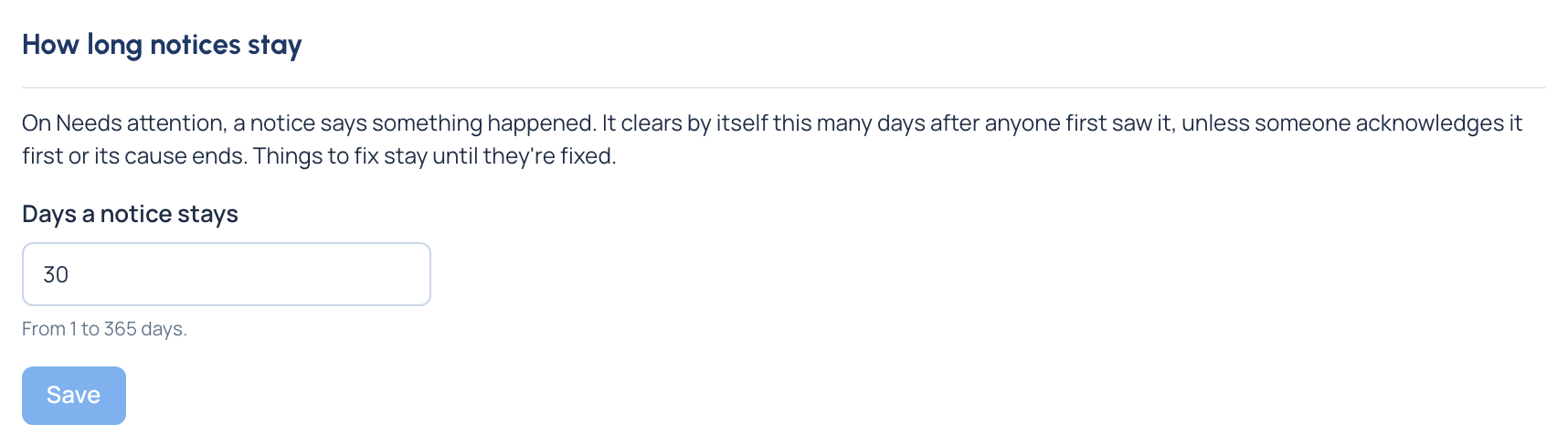
On Home's Needs attention, a notice (something that happened, such as an agent with no key) clears by itself a number of days after anyone first saw it, unless someone acknowledges it first or its cause ends.
- In Defaults for everyone, find How long notices stay.
- Enter Days a notice stays, from 1 to 365 (30 to begin with).
- Choose Save.
Check it worked
- The page says "Saved. People see it the next time they open Control room." for the defaults, and "Saved. Notices now clear N days after they were first seen." for notices.
- The change to how long notices stay is recorded in the audit log.
Good to know
- Something to fix (such as a model with no price) isn't affected: it stays until it's fixed.