Record a serious incident Enterprise
Purpose: when something serious happens with an AI system, the register keeps what a regulator will ask: what happened, how serious, when it happened and was found, which systems were involved, and who you reported it to.
What Enterprise includes depends on the features your licence includes. On Community, the register isn't offered; keep your incident record elsewhere, and use the audit log for what was changed while you handled it.
Before you start
- You're a Compliance officer Enterprise or an organisation admin. Organisation viewers read the register.
- If AI traffic must stop first, an organisation admin uses Stop AI traffic in the top bar; that's recorded too.
Steps
- Open Proof › Incidents and choose Record an incident….
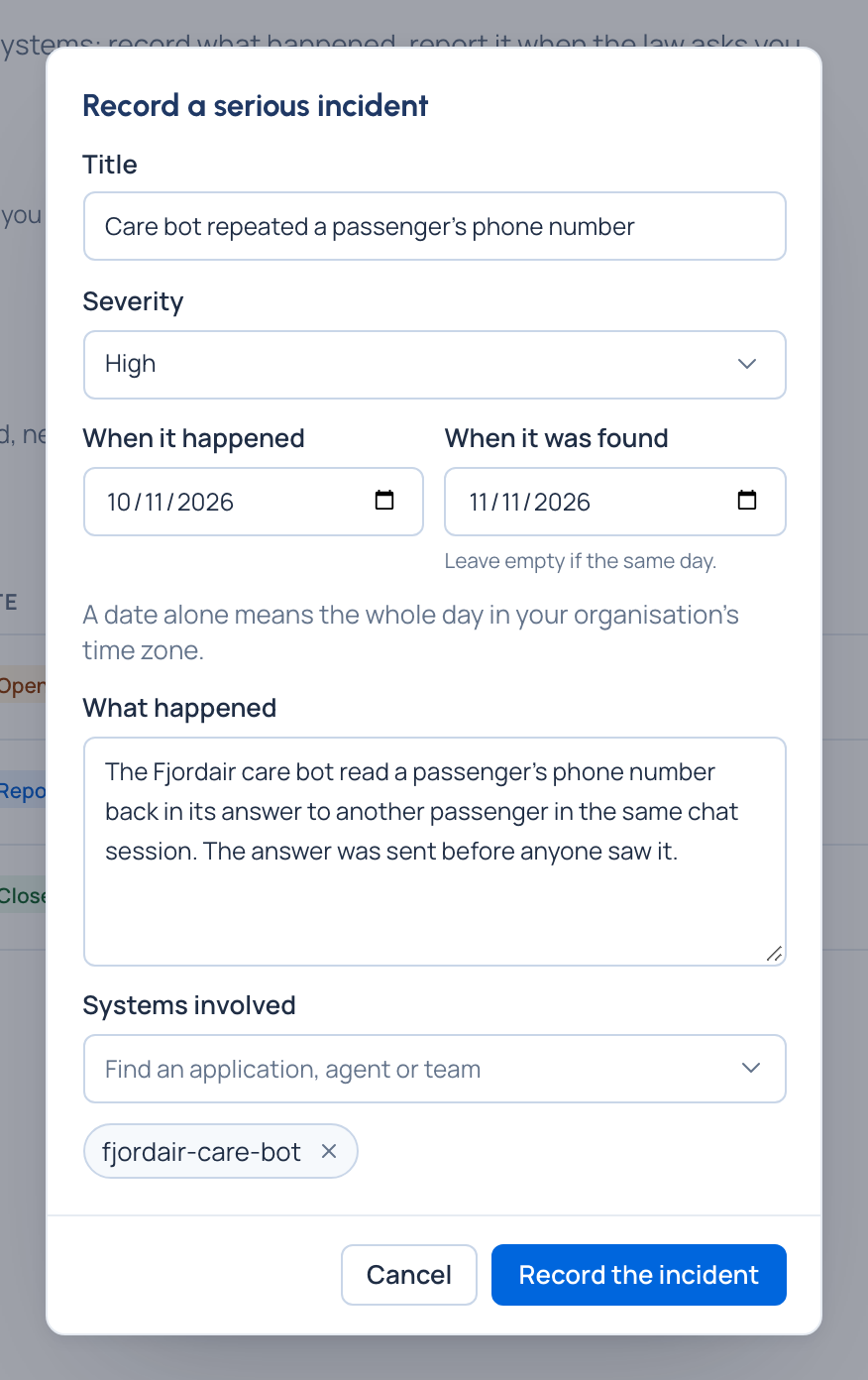
- Give a Title, the Severity (Low, Medium, High or Serious), When it happened and When it was found (leave it empty if the same day), and describe What happened.
- Under Systems involved, find and add the applications, agents or teams.
- Choose Record the incident. It's Open.
- Once you've reported it, choose Mark as reported…, say who it was Reported to (for example a market surveillance authority) and confirm. The time is recorded now.
- When it's handled, choose Close…. It stays in the register and in evidence packs, marked closed.
Check it worked
- The incident is in the register, newest first, with its severity and state as an icon and a word.
- Each system involved opens its own page.
- The evidence pack's incidents file carries it.
Good to know
- Vidai doesn't send the report: you make it, then record here who you made it to.
- Change… corrects the title, severity, description, systems and dates; the audit log keeps the dates before and after. A date can't be in the future, and an incident can't be found before it happened.
- Only organisation admins delete an incident; the audit log keeps that it was deleted, and by whom.