Brand your emails and write your own wording
Purpose: an invitation that looks like it came from a stranger gets ignored or reported as phishing. Put your logo and accent colour on every email, set the language people get by default, and rewrite any email in your own words, in each of your languages, so people recognise it as yours.
Before you start
- You're an organisation admin, and email is set up.
- Your logo is a PNG, JPEG or GIF of up to 200 KB.
Put your logo and colour on emails
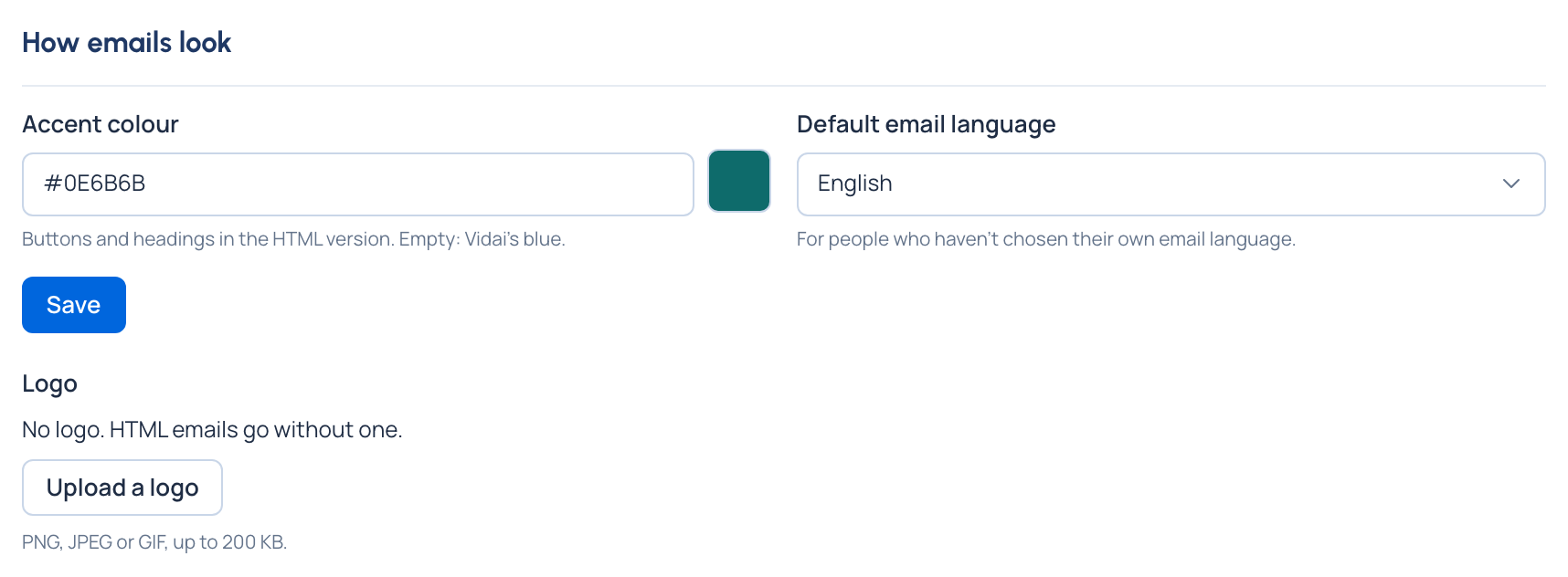
- Open System › Settings › Email and find How emails look.
- Choose Upload a logo and pick the file. It's sent with each HTML email. Replace logo or Remove logo later.
- Enter an Accent colour for buttons and headings, as # and six digits or letters A to F, for example
#0B6E4F. Empty uses Vidai's blue. - Choose the Default email language, for people who haven't chosen their own.
- Choose Save.
Write an email in your own words
- Under What Vidai sends, choose Edit wording on the email, for example the invite.
- Choose the Language. Your organisation's languages come first, each saying whether every email is written in it.
- Change the Subject and the Plain text. Tick Also send an HTML version to write HTML too; HTML can use
{accent_color}and{logo_src}. - Choose Preview to see it with sample values: a sample person, your organisation's name, a sample link. Nothing is sent.
- Choose Save.
- Choose Send a test, give an address (yours to start with), and send it.
Every email and its placeholders: Email templates.
Check it worked
- The test arrives with your wording, your logo and your colour, and the page says it went.
- The email's line under What Vidai sends says it uses your wording, and in which languages.
Good to know
- Your wording is kept for each language separately. Where none is written, Vidai's English wording is sent.
- Back to Vidai's wording removes your wording for that language, after asking.
- The preview shows HTML sealed: scripts don't run and pictures from other sites don't show (they do in the email). When something unsafe for email was removed, the preview says Some content was removed from the preview for safety; mail apps may drop the same parts.
- The page says whether a logo is set, but doesn't show the stored picture.
- Hidden details such as camera data are removed from the logo when it's stored.
- Each person can choose their own email language under Your account › Preferences › Language of your emails.