Change your name
Your name is how colleagues see and find you across the Control room. Put it right yourself, in seconds, without asking an admin.
Before you start
Anyone signed in. Your email and your status are set by an organisation admin: ask one to change your email. A link then goes to the new address for you to confirm.
Steps
- Open the menu under your name and choose Your account. Stay on Profile.
- Choose Change your name.
- Type your name in Name and choose Save.
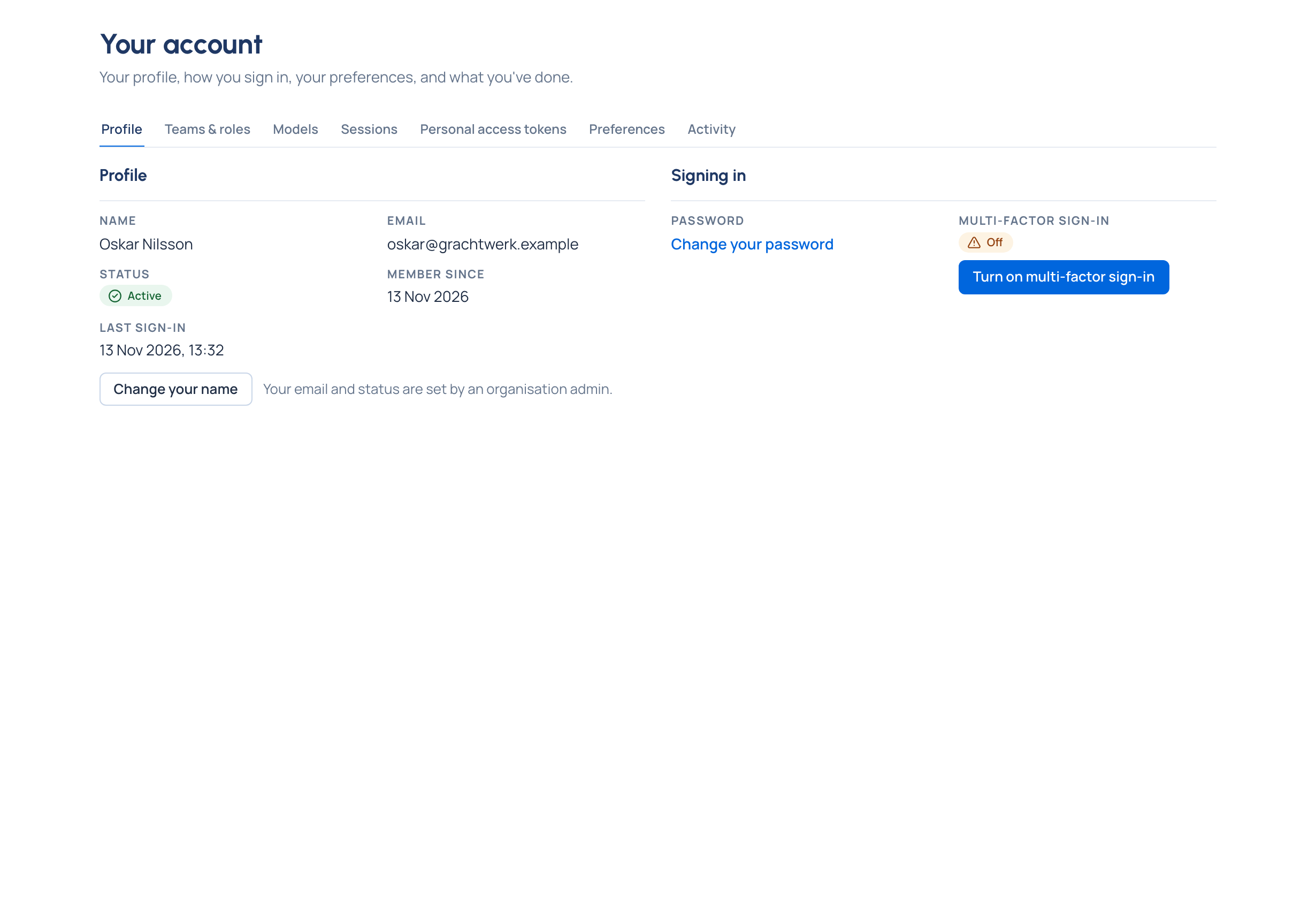
Check it worked
The page says "Your name was changed." The new name shows on Profile and on the menu at the top right.