Applications and agents
"Which program spent this, and who do I call about it?" When AI calls carry only a key, nobody can answer. Vidai names the caller: an agent with owners and someone to ask, inside an application with a purpose and a team that pays. A cost, a refused call or an incident then lands on a system with a name and an owner.
What they are
- An agent is a program that calls models on its own: a support bot, a nightly summariser, a copywriting
assistant. It has its own keys, its own list of models (within its team's), owners who look after it, and
optionally what it's for, who to ask and a version or label (such as
v2.3orexperimental). - An application is a system you run, grouping the agents that work together. It records what it's for, who to ask, a documentation link, and whether it talks with your clients. It brings no models and no rules of its own: it decides who pays.
flowchart TD
    APP["Application<br/>Fjordair care assistant"] --> AG["Agent<br/>fjordair-care-bot"]
    AG --> K1["Key in production"]
    AG --> K2["Key in staging"]
    APP -. "its team pays" .-> T["Team<br/>Fjordair Customer care"]
Why agents are separate from people
Agents never sign in and have no email. They act through their keys only, so they can't borrow a person's access, and a person leaving doesn't silently take a production system with them. An agent's keys, models and owners belong to the agent; its owners change hands with a few clicks, and an agent left with no owner shows up on Home.
Who pays
A key of an agent's may act for one of its applications. That decides who pays, never what it may call:
- with an application, its calls are charged to the application's team;
- without one, to the agent's own team.
Each call keeps who paid when it was made, so moving the agent or the application later never moves past spend.
An agent's life
| State | What happens |
|---|---|
| Active | Its keys work |
| Deprecated | It keeps working until a day you choose, then it's suspended by itself; it gets no new keys |
| Suspended | Its keys stop now; their callers are told the key is off because its agent is suspended |
You can also move an agent to another team, add it to or take it out of applications, and delete it (its keys are revoked for good; what it did stays in the audit log). Each agent and application can carry a risk level with an assessment and review date.
What you see
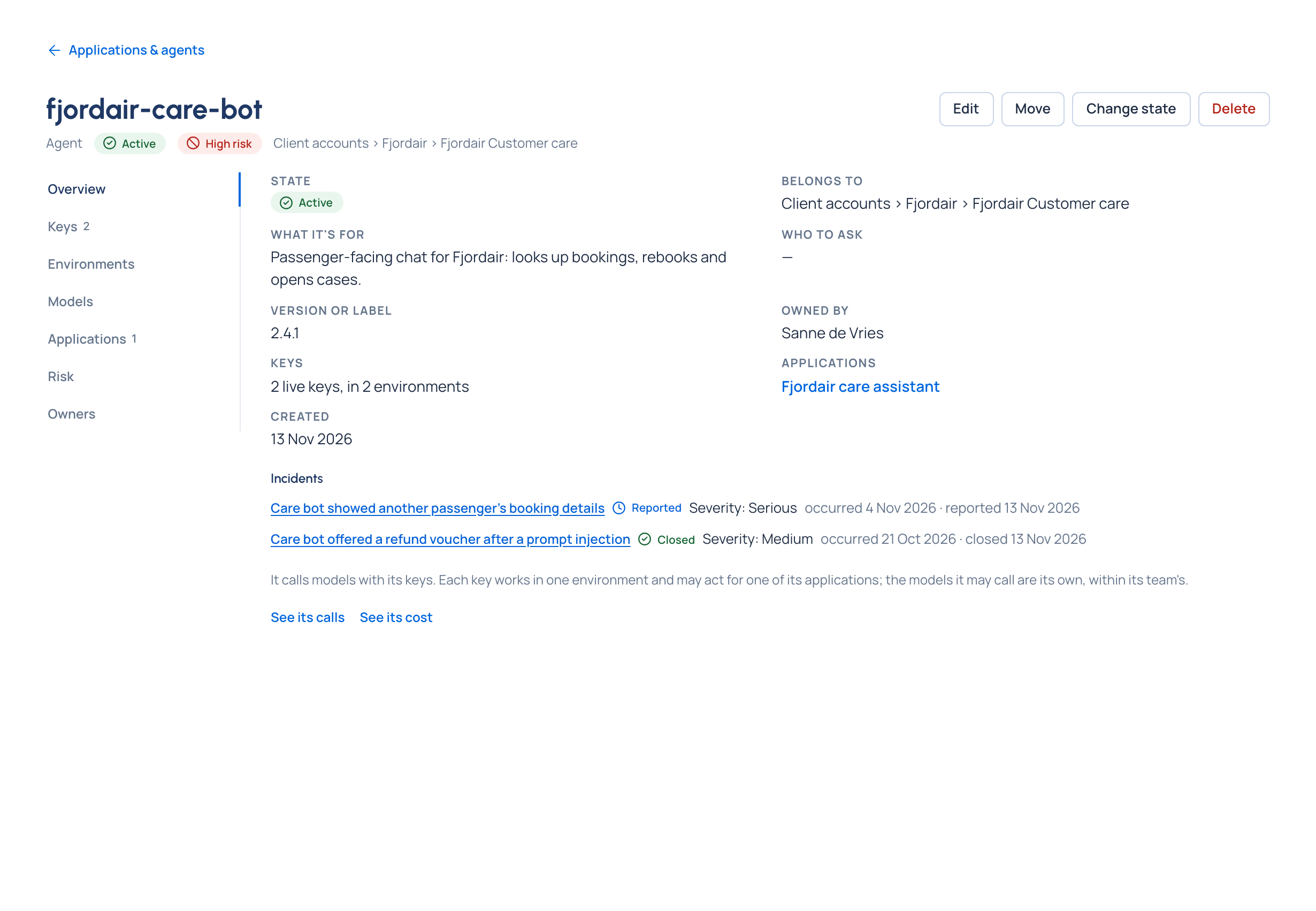
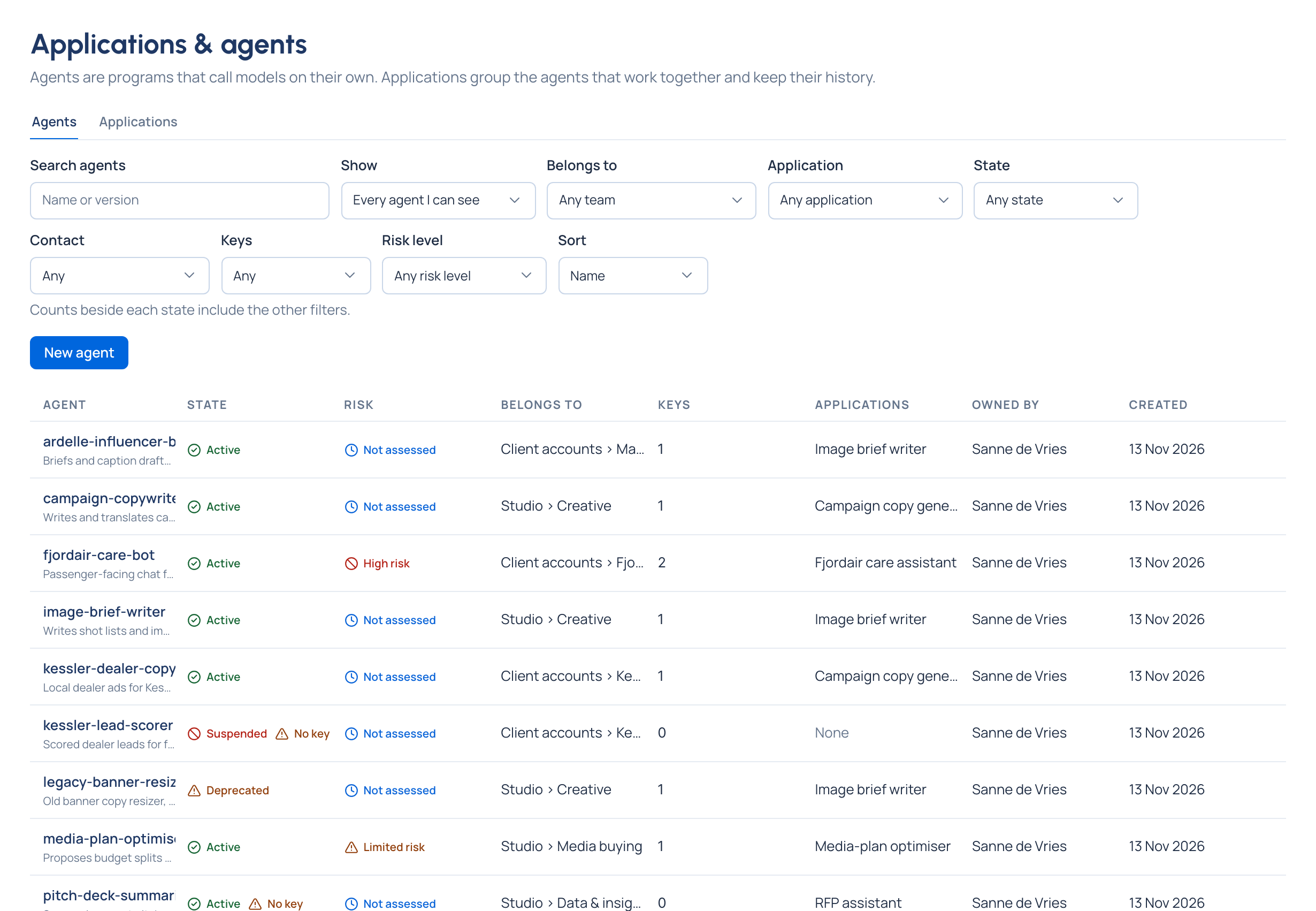
Applications & agents lists both, one tab each. An agent's page gathers everything about it: its keys in each environment, its models (with Could call now: every model in the catalogue and whether its keys could call it, with the reason when not), its applications, its risk level and its owners. See its calls and See its cost open its calls and spend. An agent with no working key reads No key and is listed on Home.
Applications that talk with your clients
An application marked It talks with our clients (advice, orders) keeps its prompt content for as long as a regulation you follow requires for client communication, such as MiFID II or SEC 17a-4. Only organisation admins and Compliance officers change the mark. See Retention, legal hold and subject requests.
Keeping an agent's calls in a region Enterprise
An agent or an application can keep its calls in an area, such as the European Union: its keys then reach only models placed there. What Enterprise includes depends on the features your licence includes. See Regions and data residency.
Related
- Keys: what an agent holds to call models
- Environments: one key per environment the agent runs in
- Risk and AI systems
- Cost: spend by application and agent