Access reviews
The problem. Auditors ask, often quarterly, for proof that access is reviewed: who holds which role, which keys still work, and that what's no longer needed was taken away. Gathering that by hand means exports, spreadsheets and email threads, and the result is hard to trust. With Vidai, an access review lists every role and key as they are now, you keep or revoke each one, and the closed result goes straight into the evidence pack.
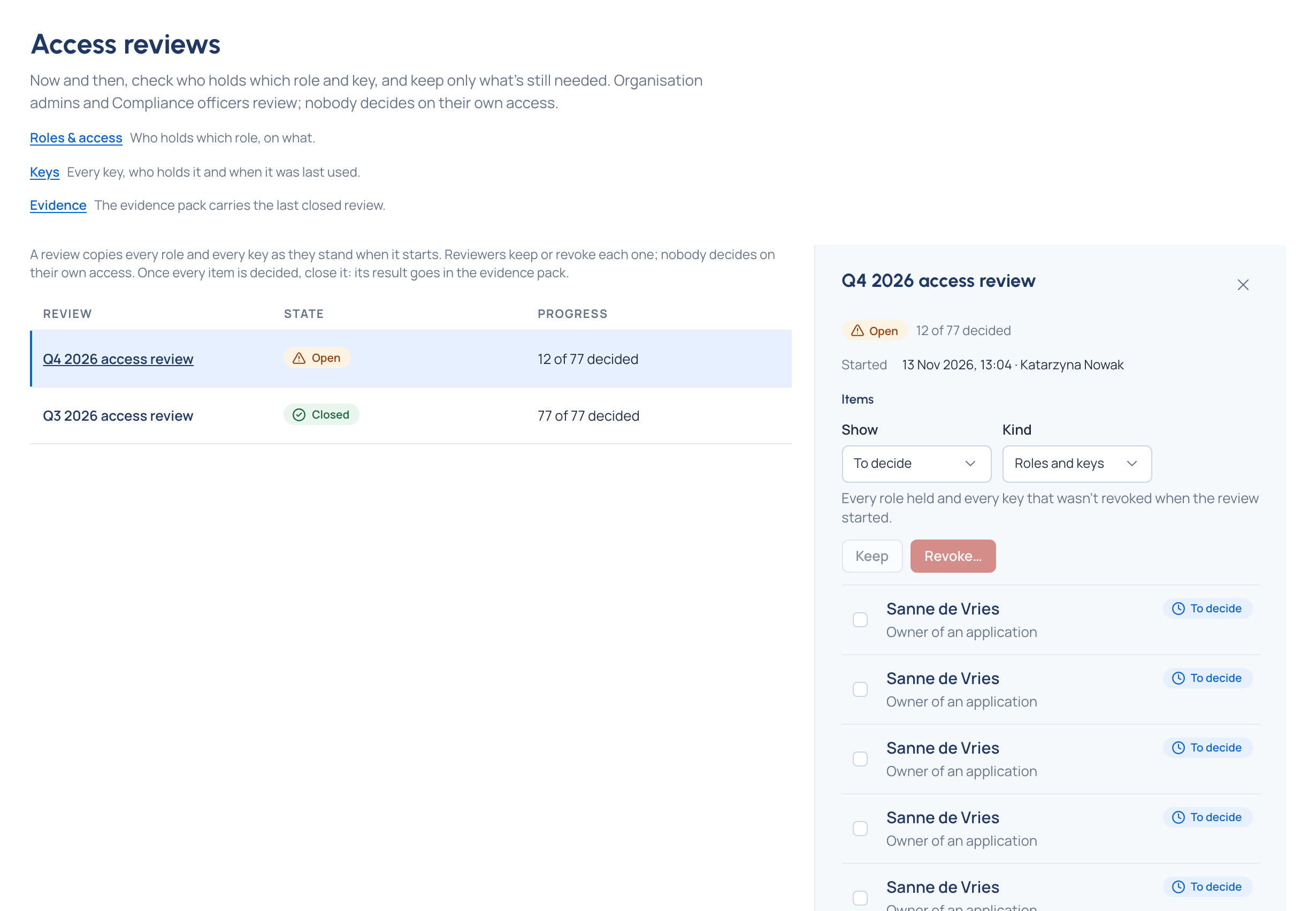
How it works
- Start an access review…: Vidai lists every role held and every key that isn't revoked, as they are now. Anything added after the review starts waits for the next one. One review is open at a time.
- Decide each item. For each role or key you see whose it is, what it is, when a key was last used and the decision so far. Keep what's still needed; Revoke what isn't: a role is removed and a key stops working at once. A note is kept with each decision, for the auditor.
- Close the review. Once every item is decided, its Result is fixed: roles and keys kept and revoked, how many people with roles use multi-factor sign-in, and who reviewed.
Built-in separation of duties
Nobody decides on their own access. Your own items say Yours: another reviewer decides, and another organisation admin or a Compliance officer decides them. The last organisation admin's role is never removed.
What the auditor gets
The evidence pack Enterprise carries the result of the last closed review, or says that none was closed. Starting, every decision and closing are in the audit log in every edition. What Enterprise includes depends on the features your licence includes.
Who runs them
Organisation admins and Compliance officers. Nobody else sees the page.
Good to know
- If you're the only organisation admin and there's no Compliance officer, someone else must decide your own items, so make a second admin (or, on Enterprise, a Compliance officer) before you start.
- A key's item names its holder; open it to see the key's name.