When single sign-on fails Enterprise
Identity providers have outages and client secrets expire. Vidai is built so neither locks you out: the emergency admin keeps a password, failures are spotted and named, and every recovery is recorded.
Part of single sign-on, on the Enterprise edition; what Enterprise includes depends on the features your licence includes.
Before you start
- Single sign-on is connected: Connect single sign-on.
- Most recoveries need an organisation admin, or the emergency admin with their password.
Your identity provider is down
- The emergency admin opens the sign-in page and chooses Sign in with a password, under Continue with single sign-on, then enters their code.
- If others need to work meanwhile, switch single sign-on to Optional in Settings › Single sign-on: passwords work again.
- People who only ever used single sign-on have no password. Give one where needed: Allow them a password (with a reason) on their page, then Reset password.
- When the provider is back, switch to Required again.
Sign-ins keep failing
Most often the client secret has expired (Entra ID secrets do).
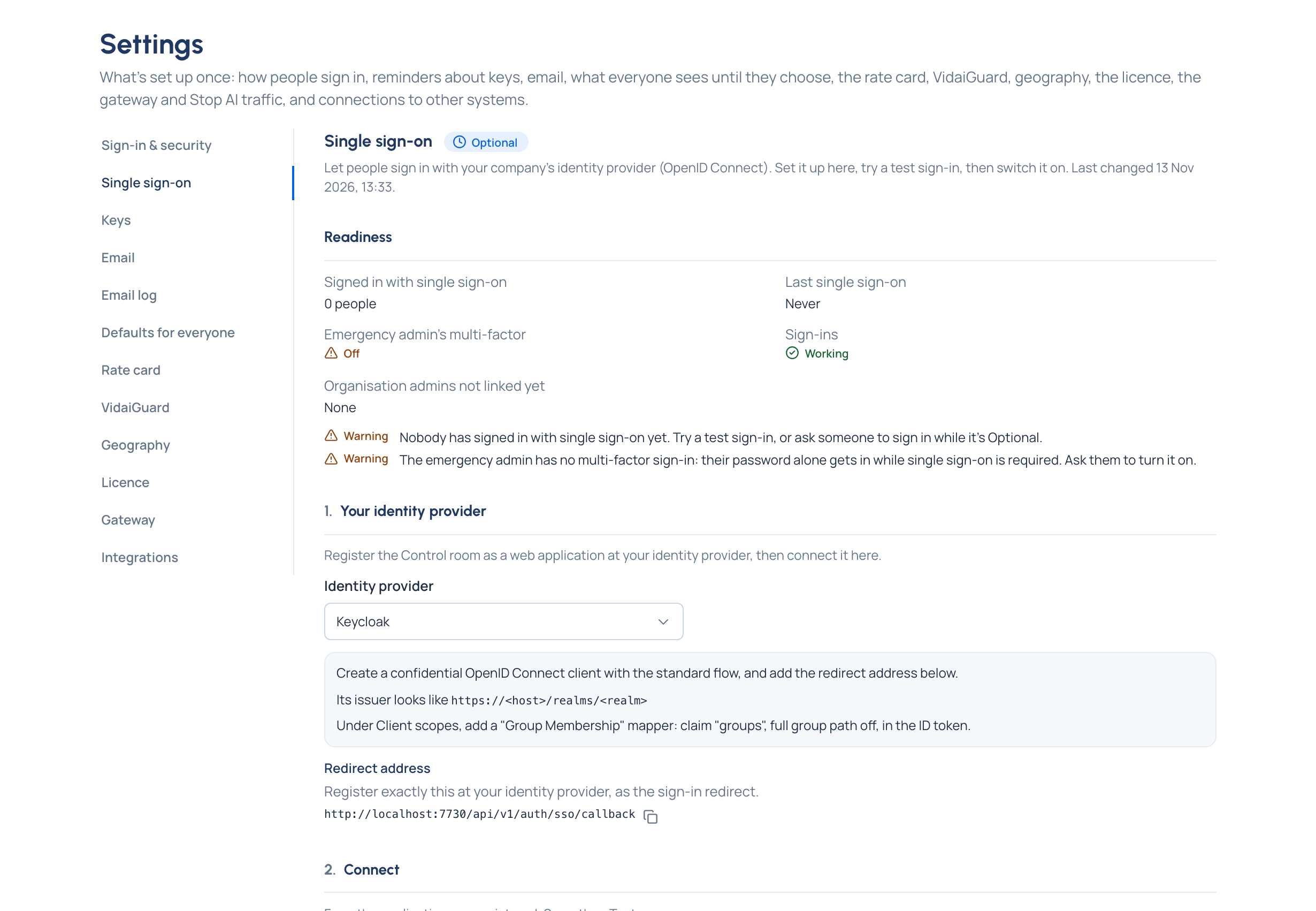
- Readiness, on Settings › Single sign-on, says "Sign-ins have failed N times in a row since …"; Home's Needs attention says the same, with Replace the secret.
- Make a new client secret at your provider.
- In step 2, Connect, choose Replace, paste it, Save, then Test.
The next sign-in or test sign-in that works clears the warning.
Everyone is refused as "didn't confirm your email address"
Common with Microsoft Entra ID. In step 3, Who may sign in, turn on Trust this provider's email addresses, if its addresses are managed by your organisation.
Recover the emergency admin
| Situation | What to do |
|---|---|
| Lost their phone | They use a recovery code, or another organisation admin resets their multi-factor sign-in from their page in People |
| The only emergency admin lost both their phone and their recovery codes | Whoever runs the server resets their multi-factor sign-in there. It's recorded in the audit log as the system; they sign in with their password and set it up again |
| Leaving the company | Choose another organisation admin with a password as emergency admin first, in step 5 |
| An organisation admin forgot their password before linking, under Required | The emergency admin allows them a password and resets it, or switches to Optional while they sign in once |
Good to know
- Needs attention also reminds you while the emergency admin's password sign-in has no second factor.
- Someone deleted can't come back through single sign-on, even on an allowed domain: invite them again.