Decide a held price change
Purpose: catch a mistake in the rate card before it re-prices everything. When a sync moves a price by the hold factor or more (3 times by default), the old price stays in force until you decide.
Before you start
- You're an organisation admin or Finance. Organisation viewers read held changes, with nothing to decide.
- Held changes come from a connected rate card. Connect the rate card
- Have the provider's own price list open to check against.
Steps
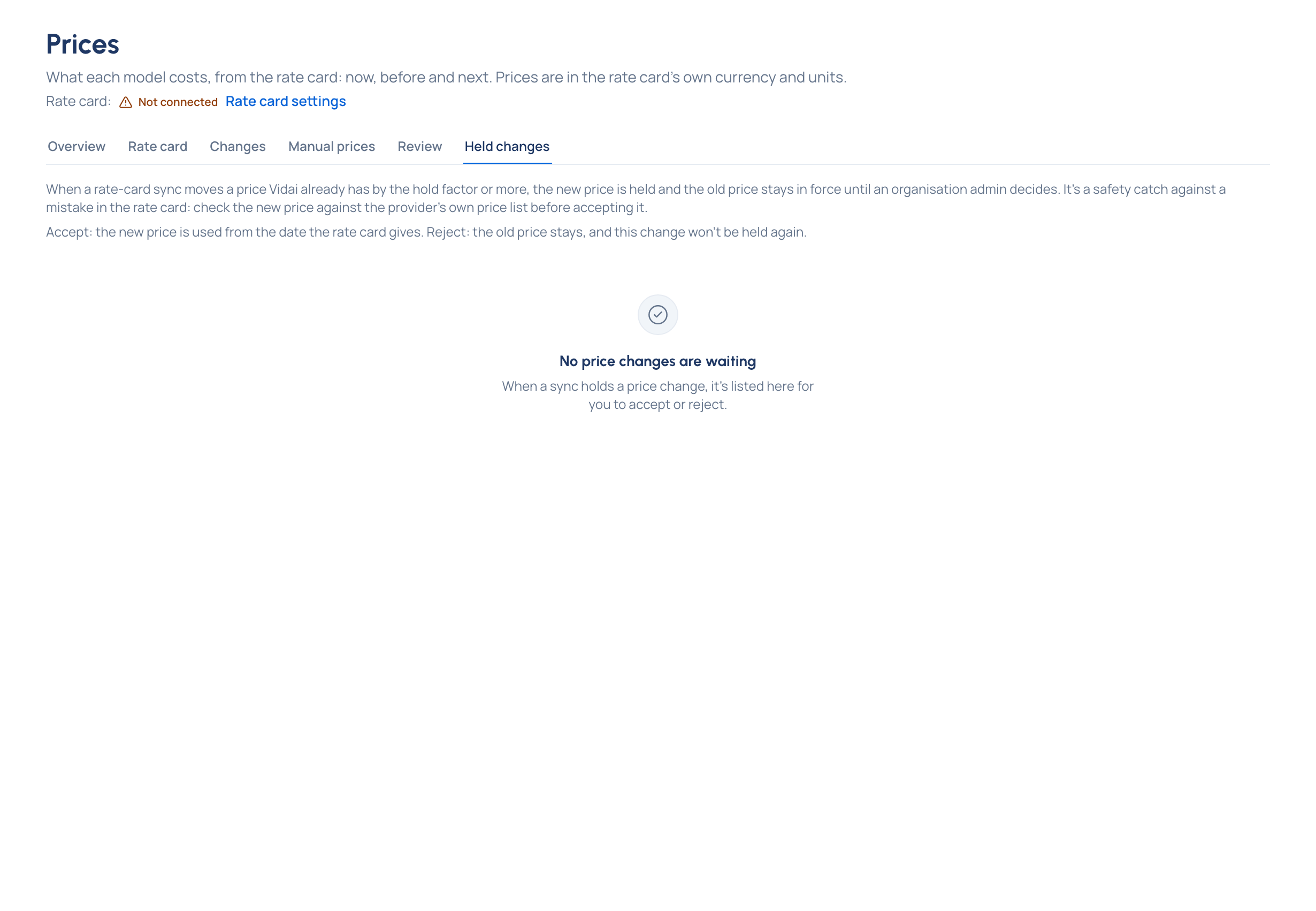
- A banner on every Prices tab says "13 price changes are waiting for your decision", with Review them. Needs attention and the bell lead here too. Or open Money › Prices and choose Held changes (it shows how many).
- Read each change:
- the rate-card provider and model line (for example "azure · gpt-realtime-2.1"), its tier, kind and region;
- every rate, old → new, in the rate card's own currency and unit ("$4.00 → $32.00 per 1M tokens"), with how far it moved ("8× higher"), the biggest move first;
- when the new price would start, and when the sync held it;
- which of your models are priced from that line (often none: then the decision changes no model's price today).
- Check the new price against the provider's own list, then:
- Accept if it's right: the new price is used from the date shown.
- Reject if it's wrong: the old price stays, and this change won't be held again.
- To decide several, tick them (or Choose all) and use Accept … chosen or Reject … chosen. A confirm lists every change first.
Check it worked
Afterwards each change is listed with what happened to it. One that couldn't be decided (someone else decided it meanwhile, say) is listed with the reason; the others go through. The banner goes when nothing is waiting.
Good to know
- Accepting a change whose new price starts in the past offers to recompute the calls it prices Enterprise.
- A model priced from a line with a held change shows it in its Price section too, with Accept and Reject.
- An organisation admin sets the hold factor in Settings › Rate card (Hold price changes of; 0 switches holding off).