Extend a key
A key that expires stops at once. When it's still needed, give it a later expiry: the secret stays the same, so the programs using it carry on without a change.
Before you start
You hold the key, own its agent, or are an admin over it. Vidai emails reminders before a key expires (14 and 3 days before, unless your organisation changed them), and Home's Needs attention lists keys that expire soon.
Steps
- Open Keys and choose the key, or choose Extend beside it on Home's Needs attention.
- Choose Extend.
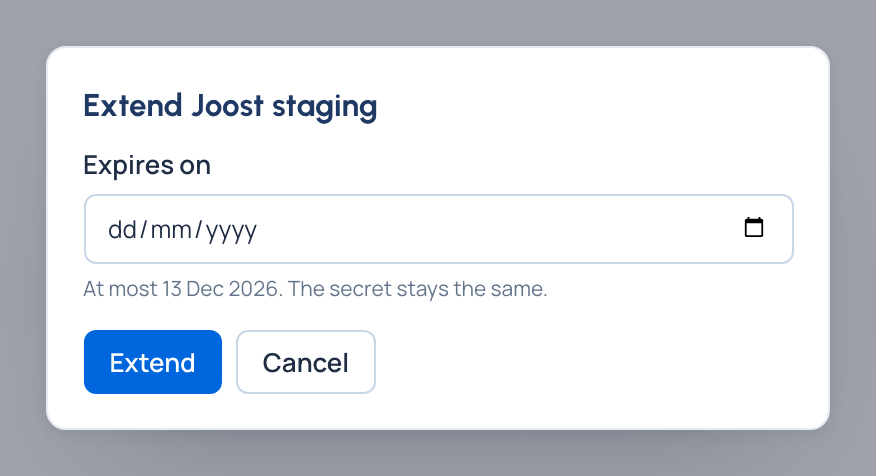
- Pick the new expiry day. It must be within the longest key life of the key's environment; the field says the latest day.
- Confirm.
Check it worked
The key's Expires shows the new day, and it drops off Needs attention.
Good to know
- An expired key is revoked within seconds and can't be extended: issue a new one.
- To filter keys that expire soon, use Expires before on Keys.
Related
- Rotate a key
- Set key defaults: expiry reminders.